Archive

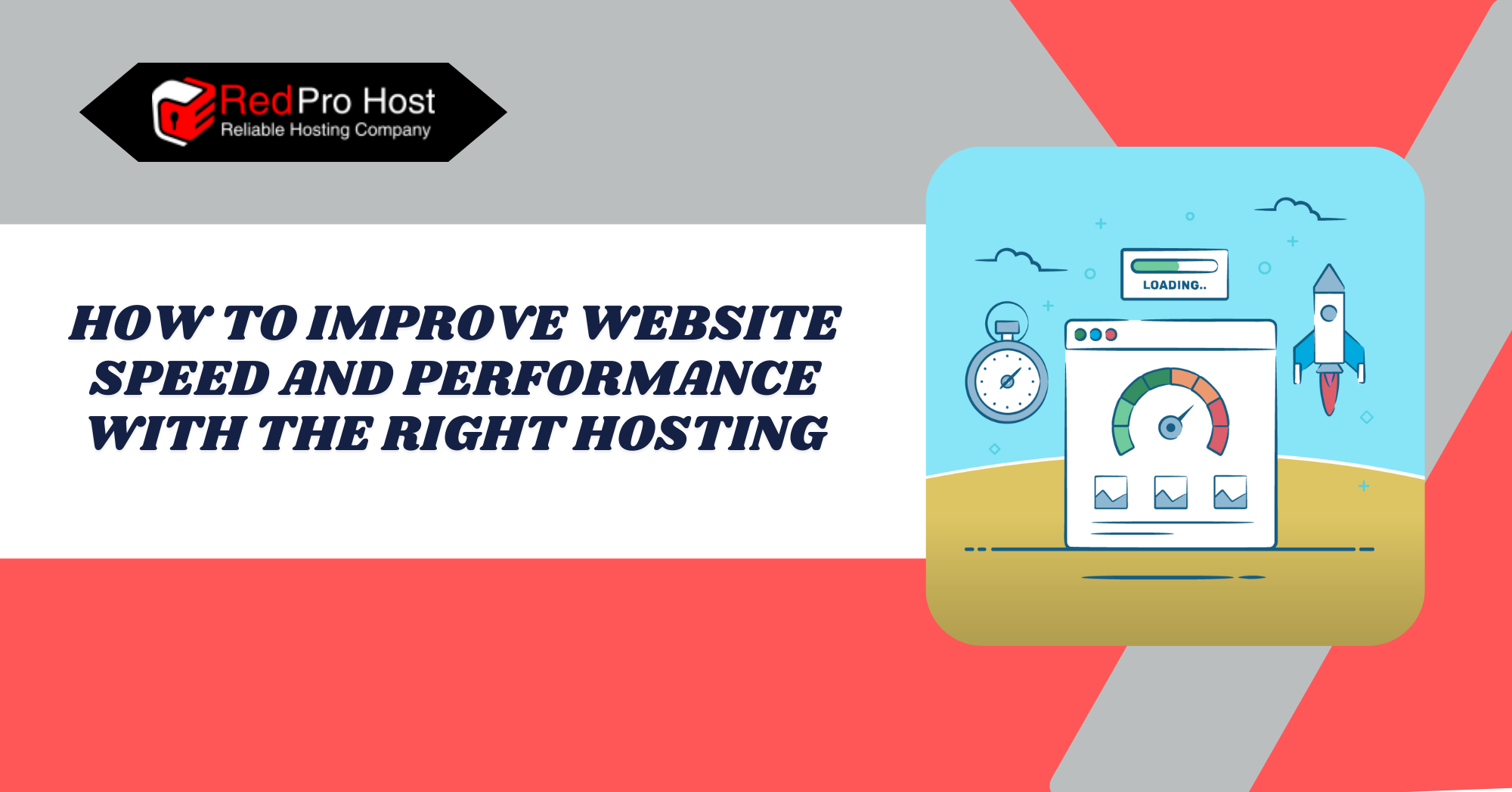
How to Improve Website Speed and Performance with the Right Hosting

Introduction: The Importance of Web Hosting in Website Performance

A slow website is frustrating. Users become frustrated, leading to their complete departure from the site. Slow page loads make web users lose interest and look for other content. 

Search engines notice slow website responses. This affects rankings and leads to poor visibility, making attracting new visitors harder. A website’s speed constitutes one of its fundamental operational elements.

Many things affect how fast a site loads. Heavy images, messy code, and too many plugins can slow things down. However, one of the most significant factors, and often the most overlooked, is hosting. The server where a site lives plays a huge role in how well it performs. Even with all the proper optimizations, bad hosting can hold a site back.

Some hosting providers load too many websites on one server, slowing everything down. Others use outdated technology and struggle to keep up with modern demands. Exemplary hosting service makes all the difference. The right server mix, with enough resources, helps websites manage and transfer content quickly to visitors.

Performance offers benefits that extend beyond pure speed increments. Fast-loading sites create a better user experience, improve search engine rankings, and increase conversion rates. Choosing the right hosting is a smart investment for Website Speed and Performance. It helps your organization grow over time.

Get more guides and tutorials like this through RedPro Host’s Blog.

What is the Role of Web Hosting in Performance

A website requires web hosting as its fundamental operational base. The host server contains all information, including files, data, and website content. When users type a website address into their browsers, they start a server connection. This connection fetches the needed information and then shows the page.

A well-optimized hosting setup ensures fast load times, smooth performance, and minimal downtime. Speed matters because every second of delay pushes visitors away. Search engines take note of this, too, lowering rankings for slow sites. Good hosting gives enough resources to handle traffic well. It keeps everything stable, even with many visitors at the same time.

Reliability is just as important as speed. Frequent downtime or server crashes hurt the user experience and can also cause business loss. A good hosting provider maintains high uptime, which means the website is always accessible.

The main issues with hosting performance come from overloaded servers, slow disk storage, and poor caching. Inadequate hosting management leads to broken websites when traffic surges occur. Choosing the right hosting solutions removes factors that slow down performance, improving web page speed and reliability.

Experience the Best in WordPress Hosting! Sign Up Today!

Simplify Your WordPress Hosting! Join RedPro Host for Optimized Performance!

Choosing the Right Hosting for Speed and Performance

Web hosting plays a huge role in a website’s performance. The right choice can make a site run smoothly, while the wrong one can slow everything down. 

1. Types of Web Hosting and Their Performance Impact

Hosting services have different features based on their type. Each type offers a unique mix of speed, control, and reliability. Learning about available options leads to better choices.

Shared Hosting: Cost-Effective, Basic Performance

The least expensive hosting solution is Shared Hosting. The server allocates resources to multiple websites that operate from it. The shared server type keeps costs low, but it often results in slower speeds. This issue gets worse during heavy website traffic. Your website’s performance depends on how many sites are on your server and how much traffic they generate.

VPS Hosting: Enhanced Control and Resources

A Virtual Private Server (VPS) gives users more resources than regular shared hosting. Each virtual partition on the server is isolated, providing separate spaces for different sites. This hosting solution offers great performance and affordability. It offers dedicated resources that outperform shared hosting. Plus, it costs less than a dedicated server.

Dedicated Hosting: Maximum Performance and Resources

Dedicated Hosting offers a complete server installation that operates only for one website. Not sharing resources boosts speed and ensures reliability and top security. Larger companies with a lot of website traffic need this option. However, it requires a significant investment.

Cloud Hosting: Scalable and Flexible Solutions

Cloud Hosting uses several servers. It shifts resources among them as needed, ensuring steady performance. Additional resources rise automatically when traffic surpasses expected levels. Cloud hosting achieves extreme speed and reliability because it offers server flexibility.

Managed Hosting: Hassle-Free Management

A Managed Hosting provider takes care of server management, enhances performance, and protects security. Businesses and individuals like cloud hosting. It offers easy operations and removes the need for server management. The platform offers built-in caching, automatic updates, and expert support, which helps create a fast and secure website.

2. Key Hosting Features to Look For

A website’s performance relies on the quality of its web hosting services. A good web host offers stable performance, speed, and reliability for users. Some features significantly impact website loading speed and user interface quality. Assessing these hosting service components prevents potential technical problems and performance slowdowns.

SSD Storage vs. HDD: Speed and Reliability

Storage type plays a significant role in performance. SSD (Solid State Drive) storage is much faster than traditional HDD (Hard Disk Drive) storage. It loads data quicker, reduces lag, and improves overall website speed. Many hosting providers use SSDs now. However, some cheaper plans still use older HDDs, which can slow things down.

Bandwidth and Server Resources: Ensuring Adequate Capacity

Enough bandwidth and server power are necessary to handle traffic smoothly. More bandwidth allows more visitors to access the site without slowdowns. CPU and RAM also matter, as they process data and keep everything running efficiently. A hosting plan with limited resources can cause slow load times, significantly when traffic increases.

Related Article: The Role of DNS: What It Is and Why It Matters

Data Center Locations and CDN Integration: Enhancing Global Reach

Visitors to the website load pages faster when servers are closer to them. Server locations near the end users allow them to receive content more quickly. 

Users who work with hosting providers can choose from many data centers. This helps them pick the closest location. A Content Delivery Network (CDN) boosts website speed. It uses a global server system that holds multiple copies of data.

Server Response Time and Uptime Guarantees: Ensuring Reliability

A superior hosting provider provides instant server response to customers. However, each server needs time to process requests, which impacts how fast pages load. Uptime guarantees are also crucial. 

Hosting service providers guarantee at least 99.9% uptime to avoid website outages. Frequent website downtime hurts user satisfaction and lowers search engine rankings.

Caching Mechanisms and Optimization Tools: Boosting Efficiency

Built-in system methods store data from popular websites, making websites run faster and reducing server requests. Some hosting services provide automatic caching, while others require manual setup. 

You can speed up the website by using GZIP compression, optimizing images automatically, and adding extra optimization tools.

Optimizing Your Site with High-Speed Hosting

Optimizing Your Site with High-Speed Hosting

A fast hosting provider lays the foundation for strong website performance, but proper optimization takes it to the next level. 

Design-Level Optimization: Crafting Efficient Websites

Good design choices help reduce load times and improve the user experience. A clean, lightweight approach ensures the site runs smoothly on any device.

  • Mobile-First Design: More people browse the internet on their phones than on desktops. A site built with mobile users in mind loads faster and feels more responsive. Simple layouts, easy navigation, and optimized images prevent slowdowns on smaller screens. Many website builders and themes focus on mobile-first design. This helps keep speed high while maintaining quality.
  • Simplify Your Design: Heavy design elements weigh a site down. Large background images, excessive animations, and complex graphics increase load times. A streamlined design looks better and performs better. Clean layouts with fewer distractions improve the experience and help keep the site fast.
  • Use Adaptive Assets: Choosing the right file formats improves performance. Vector formats such as .svg scale perfectly and load faster. They don’t lose quality, unlike raster formats like .jpeg or .png. When raster images are necessary, using properly compressed versions prevents unnecessary delays. Web-friendly formats, like WebP, provide great quality with smaller file sizes, boosting speed while keeping visuals intact.

Code-Level Optimization: Streamlining Your Code

Efficient code speeds up a website and reduces the load on servers. Even with a fast hosting provider, messy or unoptimized code can slow things down. Removing unnecessary elements and using intelligent compression makes pages load faster and run better.

  • Minify CSS, JavaScript, and HTML Files: Extra spaces, line breaks, and comments help developers read code. However, they also increase file size. Minification tools like UglifyJS for JavaScript and CSSNano for stylesheets cut out extra characters, reducing file sizes while maintaining the same functionality. Smaller files mean faster loading times and less strain on the server.
  • Enable Compression Techniques: Pre-compression of server-based files reduces data transmission time. Two popular compression methods for reducing file size are Gzip and Brotli. They both keep quality high. Most recent browsers support this technique, so site owners can use it for quick performance boosts. Many web hosting services provide built-in compression. However, users may need to set it up manually for the best results.
  • Reduce Redirects & API Calls: Unnecessary redirects create extra steps for browsers, slowing down load times. Cleaning up old redirects and avoiding multiple forwarding chains keeps things running efficiently. Too many API calls can cause delays, primarily if the site uses third-party services. Fewer requests and caching of common data keep the site fast and responsive.

Leveraging Caching and CDNs: Enhancing Speed and Performance

Caching and Content Delivery Networks (CDNs) play a huge role in speeding up a website. They reduce the amount of work a server has to do, cut down on load times, and make everything feel more responsive. When used right, these tools make the experience smoother for visitors and lessen the strain on hosting resources.

  • Browser Caching: When someone visits a website, their browser downloads images, scripts, and other assets. Without caching, these files reload with each new page, wasting time and bandwidth. Browser caching saves often-used resources on a user’s device. This way, they don’t need to be downloaded again on future visits. This speeds up navigation and reduces the number of requests sent to the server. Many websites can easily set up caching by adjusting their .htaccess file or using caching plugins.
  • Content Delivery Networks (CDNs): A CDN shares website content across many servers around the world, so it does not depend on just one location. When a user visits the site, the closest server delivers the data, cutting down on latency and load times. This is helpful for global audiences. A single server location can slow down access for distant visitors. Popular CDNs, such as Cloudflare, balance traffic. They also protect against attacks and boost performance. Using caching and CDNs together creates a faster, more reliable website. Visitors enjoy faster load times, and servers manage traffic better. Overall, performance stays smooth, even at peak hours.

Power Your Success with RedPro Host Dedicated Servers! Join Now!

Unleash the Power of Dedicated Servers! Sign Up with RedPro Host for Ultimate Control!

Additional Tips to Improve Website Speed with Hosting

Good hosting provides essential support, creating a strong foundation that becomes even better with extra optimization steps. 

  • Improvements in site-server interaction methods are needed. This will boost website speed and ensure stability, as well as enhance security measures. Multiple minor improvements accumulate to create better user experiences and minimize resource wastage.
  • Use Server-Side Caching: Caching isn’t just for browsers. Server-side caching keeps popular data on the server, cutting down on repeated request processing, speeding up loading times, and lowering CPU usage. Many hosting providers have built-in caching solutions. However, setting up caching plugins or using tools like Redis and Memcached can boost performance even further.
  • Optimize Database Queries: A cluttered database slows everything down. Poorly optimized queries take longer to fetch data, increasing load times. To run things efficiently, clean up unnecessary records, use indexes, and limit database calls. Many CMS platforms, such as WordPress, need regular database optimization. This helps remove overhead and cuts down query execution time.
  • Implement HTTP/3 and TLS 1.3 for Faster Connections: A website’s interaction with visitors affects speed, just like hosting quality does. HTTP/3 technology speeds things up by reducing connection wait times. TLS 1.3 also helps by speeding up secure data transmission. Modern protocols improve website speed and security, leading to quicker responses. The primary hosting providers support these technologies. However, you may need to do some manual setup steps at times.
  • Keep Software and Plugins Updated: An outdated software system produces delays and security vulnerabilities. Using outdated plugins with themes or CMS versions can also cause problems. This often leads to slow page loading or even complete page malfunctions. Keeping everything up to date helps a website. It gains the latest performance features and gets regular security updates. Choose lightweight plugins with clean code. They work better than heavier ones that slow down processing.

Conclusion

A fast website isn’t just about convenience. It keeps visitors engaged, improves search rankings, and boosts conversions. While design, code, and content optimization play a role, hosting is at the core of performance. Choosing the right hosting provider like RedPro Host lays the foundation for speed, stability, and security.

Not all hosting is equal. Many small sites use shared hosting. However, growing businesses and high-traffic websites need better options for firm performance. VPS, cloud, and dedicated hosting platforms offer better performance. They keep resources focused and prevent them from being spread thin among too many users. 

Your website’s performance relies on several key factors. These include SSD storage, strong uptime guarantees, and server-based caching. Together, they help keep your site running smoothly.

Performance doesn’t stop at hosting selection. Clever optimizations, from minifying code to enabling compression, fine-tune loading speeds. A good CDN lowers latency. Caching saves often-used data, which reduces server requests. Keeping software and plugins updated prevents slowdowns and security issues.

Every second counts. A slow website pushes users away, but a fast, well-optimized one keeps them coming back. Choosing the right hosting and optimizing it leads to a website that runs well, loads fast, and provides a smooth experience for all visitors.

FAQs (Frequently Asked Questions)

How does hosting affect website speed?

Hosting determines how quickly your server responds to visitors. Slow servers, overloaded shared hosting, or outdated hardware can cause delays. A good hosting provider offers fast load times and uses optimized resources and modern technology.

Is shared hosting too slow for a business website?

It depends on the size and traffic of the site. Shared hosting works well for small blogs or personal sites. However, it may be too slow for business websites with regular visitors. When many sites use the same resources, performance can drop. This is especially true during busy times.

Does switching to SSD hosting really make a difference?

Yes, SSD storage is much faster than traditional HDD storage. It speeds up data retrieval, making websites load quicker. Most hosting providers now offer SSD plans. For improved performance, it’s better to choose SSD over HDD.

How important is the server location?

The closer a server is to your visitors, the faster your site loads for them. If your audience is worldwide, a CDN can help. It spreads content across many locations, so your site loads faster for users, no matter where they are.

Can a CDN replace good hosting?

No, a CDN helps, but it doesn’t fix a slow or unreliable server. It lowers the load on your hosting by caching content and serving it from various places. Still, the overall performance relies on the quality of your hosting provider.

What’s the best type of hosting for an eCommerce website?

Sites operating in e-commerce need quick and reliable solutions, which makes VPS, cloud hosting, and dedicated servers superior to shared hosting options. These hosting options provide better resources and traffic management, helping create a smooth shopping experience.

How often should I optimize my website for speed?

Regularly. Content growth, plugin updates, and rising website traffic can affect system performance. Regular speed tests, database cleanups, and consistent updates keep performance strong and ensure fast page loading times.

Latest Posts:
Is SEO Dead in 2025? The Truth About Search Engine Optimization

Introduction: Exploring SEO in the Modern Era

The digital realm periodically erupts with claims that search engine optimization has died, yet it never quite seems to fade away. People often hold this belief because search platforms change frequently, and new technology and evolving user habits also play a role. 

By 2025, the digital landscape will be more complex than ever. Many marketers now wonder about the continued value of traditional SEO. This is due to AI advancements, the rise of voice search, and changes in consumer behavior.

But the truth is, SEO isn’t so much dead as it is transformed. SEO methods that worked ten years ago, like keyword stuffing and mass link-building, are now outdated. Today’s SEO strategy requires businesses to understand user goals and create valuable content that goes beyond simple text search optimization. 

Google improved its algorithms using artificial intelligence. This change helped them produce better results.  These modifications have brought forth uncertainty among stakeholders. The rise of zero-click searches and voice commands, along with platforms like TikTok and Reddit, raises doubts about the power of SEO as we know it. 

Digital marketing with SEO needs tech skills, creative thinking, and a good understanding of digital spaces in 2025. Successful businesses will find chances to connect with their audiences through search.  So, Is SEO Dead in 2025? Hardly. It’s simply time for a new chapter through this article by our Blog.

What is SEO: Understanding Search Engine Optimization

SEO means Search Engine Optimization. It works to improve websites so they rank higher on search engines like Google, Yahoo, and Bing. Your business must make sure potential customers find you when they search for your services. 

Optimizing website components like content, structure, speed, user experience, and keywords helps improve search result rankings. This is done through effective SEO practices.

Search Engine Optimization (SEO) identifies what users are searching for online and provides the best website content to meet those needs. Good SEO connects searchers to the correct information. It works for blog posts, product pages, and local business listings. Most people don’t click past the first page of search results, so ranking high really matters.

Why SEO Matters for Businesses and Online Visibility: Key Benefits

For businesses, SEO isn’t just about getting more traffic—it’s about getting the right traffic. When your website ranks high in searches, you draw in potential customers. They are actively seeking what you provide. 

Unlike paid ads, which stop working as soon as you stop spending, SEO provides long-term value. A well-optimized website can bring in consistent, high-quality traffic without ongoing ad costs.

SEO also builds credibility. When your business appears at the top of search results, people are more likely to trust it. Also, many users depend on search engines to decide what to buy. If you’re not visible online, you miss valuable chances.

In 2025, SEO isn’t just an option for businesses—it’s a necessity. Whether you’re a small local shop or a global brand, being easily found online is the key to staying competitive.

Recent Trends in SEO: Staying Updated

SEO isn’t what it used to be. What worked a few years ago doesn’t necessarily work today. Search engines have become more competent, and so have users. Google is constantly tweaking its algorithm, shifting the way websites get ranked. Some changes are more than minor updates. They reshape how businesses see SEO.

One of the most significant shifts is that search engines now focus more on intent rather than just keywords. Instead of matching exact phrases, Google tries to understand what a user actually wants. That means stuffing pages with keywords doesn’t cut it anymore. Content has to be relevant, helpful, and engaging.

Another significant change is how people search. Voice searches are growing, especially with intelligent assistants like Alexa and Siri. People rely more on social media, and platforms like Reddit and TikTok help them find information. Traditional search still matters, but businesses need to think beyond Google.

Unleash the Power of Dedicated Servers! Sign Up with RedPro Host for Ultimate Control!

Power Your Success with RedPro Host Dedicated Servers! Join Now!

The Impact of AI and Machine Learning on Search

AI is completely reshaping search results. Google’s algorithms now do more than check keywords and backlinks. They look at patterns, user behavior, and content quality in new ways.

Take Google’s AI-driven Search Generative Experience (SGE), for example. Now, instead of only showing links, Google gives AI-made summaries at the top of search results. This means fewer people actually click through to websites. Businesses have to adapt by creating content that stands out and directly answers user questions.

Machine learning also plays a huge role in ranking. Google’s RankBrain and BERT analyze how people interact with search results. If users quickly leave a page, Google takes that as a sign that the content isn’t helpful. That’s why keeping visitors engaged is more important than ever.

SEO in 2025 isn’t just about keywords and backlinks anymore. AI and machine learning change how we search, and we need to adapt to how people really use the internet.

The Changing Landscape of SEO: Adapting to Shifts

SEO has come a long way from its early days of stuffing keywords into web pages and hoping for the best. Search engines have gotten over time. They are now more competent and focus on quality content, user experience, and AI-driven results. In 2025, businesses must adapt to changes. This helps them stay visible online.

A Look Back: How SEO Started: Historical Perspective

SEO started in the mid-90s when search engines like Yahoo and Google began to emerge. In those early days, the main goal was simple: optimize web pages with the right keywords and submit sites to directories to get noticed. 

Some businesses used shady tactics. They stuffed pages with keywords and built low-quality backlinks to climb the rankings.

Everything changed in 1998 when Google introduced its PageRank algorithm. Google now ranks websites by relevance and authority, not just keywords. Website owners had to rethink their strategies. They started focusing on creating valuable content instead of just trying to game the system. 

By the early 2010s, significant updates like Panda and Penguin cracked down on spammy techniques, punishing sites that relied on low-quality content or manipulative link-building. After that, SEO shifted. It focused less on tricking search engines and more on delivering real value to users.

What’s Changing as We Approach 2025? Emerging Changes

A few key trends are shaping the future of SEO, making it clear that the rules of the game are evolving once again.

Content is more important than ever. Search engines now favor helpful content. It’s no longer about how much content a site has but how well it answers user questions. Businesses that create informative, well-researched, and engaging content will succeed.

User Experience is a Ranking Factor. It’s not just about what’s on the page anymore. Page speed, mobile-friendliness, and site usability all affect rankings. With mobile-first indexing in place, websites that don’t offer a seamless experience on smartphones and tablets will struggle to stay competitive.

AI is Changing Search. Artificial intelligence is making search engines more innovative than ever. Google’s AI algorithms now better understand intent, context, and natural language. Businesses must optimize for how people really search, not just for exact keywords. Voice search, conversational queries, and semantic search are gaining importance in content ranking.

Is SEO Dead in 2025: Debunking Myths

Every year, someone claims SEO is dead. And yet, businesses still invest billions in it. So, what’s really going on? Has SEO lost its power, or has it simply evolved?

Some old-school SEO tricks don’t work anymore. Keyword stuffing, spammy backlinks, and low-quality content used to help rankings, but now they cause more harm than good. Google’s more competent now. Algorithms prioritize real value, not keyword repetition.

The Role of Technical SEO in 2025: Importance of Technical Aspects

While shady tactics fade, technical SEO is more important than ever. Google still rewards fast, mobile-friendly, and well-structured sites. Core Web Vitals, page speed, and mobile-first indexing aren’t just buzzwords—they’re the foundation of rankings. If a site loads slowly or isn’t optimized for mobile, it won’t rank—simple as that.

From Keywords to Topics & Intent: Evolving Strategies

SEO isn’t just about keywords anymore. It’s about understanding what users want. Google now focuses on search intent rather than just matching words. That means creating content that answers questions, solves problems, and provides real value. If a site does that well, it’ll rank—even without stuffing in exact-match keywords.

Though, on the other hand, Keyword research is key to SEO. It connects your content to your audience’s needs. It involves finding and analyzing the search terms people use online for products, services, or information.

Adapting to Change is Key: Flexibility in SEO

Despite changes, businesses still rely on SEO. Why? Because organic search is still a huge traffic driver. People trust search engines. They don’t always want ads. When done right, SEO brings lasting traffic. You don’t have to keep paying for clicks. That’s not going away anytime soon.

SEO isn’t dead—it’s just different. The strategies that worked five years ago might not work today. Those who adapt and focus on high-quality content, a strong site structure, and user experience still see results. SEO is an ongoing game. The rules change, but the game itself is still very much alive.

SEO’s Role in Digital Marketing: Integrative Approach

Organic search is still a significant part of digital marketing. Stats show that it consistently drives more traffic than social media and paid ads combined. People actively searching for solutions are more likely to convert, so companies continue to prioritize it.

Far from dying, SEO is growing. Companies are investing more in SEO tools, AI strategies, and quality content. They know that as long as people use search engines, ranking high will matter. The competition’s just getting more brutal.

SEO in 2025: What Still Works & Future Trends

SEO keeps changing, but some things never go out of style. The way people search is evolving, and so are search engines. At its core, SEO focuses on providing value. It solves problems and helps people find what they need. Let’s break down what still works and where things are headed.

SEO in 2025 What Still Works & Future Trends

What Still Works in 2025: Effective Practices

Some SEO fundamentals haven’t changed, even as the landscape shifts.

  • Technical SEO – Google still rewards well-optimized sites. Fast loading times, mobile-friendly designs, and a clean site structure matter. If a page is slow or clunky, users bounce. And when they do, rankings drop.
  • High-Quality Content – Content is still king, but not just any content. It has to be helpful, engaging, and trustworthy. Google is brighter now. It can tell the difference between filler and valuable insights.
  • Backlinks – Getting links from reputable sites still helps. But it’s not about quantity anymore. One solid backlink from an authoritative source beats a hundred low-quality ones.

Emerging Trends in SEO: New Directions

Search is getting more advanced, and new trends are shaping how websites rank.

  • AI & Search Algorithms – AI is rewriting the game. Google’s AI-powered updates mean rankings depend more on context and user behavior. AI-generated summaries and instant answers are changing how people interact with search results.
  • Interactive Content – Static blog posts are valuable. However, quizzes, tools, and videos keep users engaged longer. And Google notices.
  • SEO for Web3 & Decentralized Search – Blockchain search engines and privacy-first browsing may change SEO. It’s early, but savvy marketers are paying attention.

Related Article: The Future of Content Marketing: A 2025 Guide to Success

Predictions for the Future of SEO: Looking Ahead

Looking ahead, SEO will keep evolving. The key principles will remain unchanged. They are delivering value, understanding user intent, and optimizing for experience. Here’s what’s likely to happen:

  • AI-driven search will get even more intelligent, making low-effort content obsolete.
  • Voice and visual search will grow, pushing businesses to optimize beyond just text.
  • Google’s focus on experience, expertise, and trust will keep getting rid of low-quality content.

Experience Seamless WordPress Hosting with Redpro Host! Start Today!

Unlock Premium WordPress Hosting Solutions! Sign Up with RedPro Host!

Conclusion:

SEO isn’t going anywhere—it’s just changing. The tactics that worked years ago are fading, but the need for visibility in search is stronger than ever. Businesses that adapt will thrive. They should focus on user intent, technical optimization, and high-quality content.

AI, voice search, and new algorithms will keep changing the game. Still, the heart of SEO stays the same: helping people find the best answers. Staying ahead of trends and trying new strategies will help you thrive in the future of search.

The key to success in 2025 and beyond is flexibility. Search engines will keep evolving, and so will user behavior. Companies using old methods will face challenges. In contrast, those that embrace innovation will thrive. 

SEO isn’t just about rankings anymore. It’s about giving users a smooth experience, building trust, and offering real value. As long as people continue searching for information, products, and services, SEO will remain a crucial part of digital marketing.

Want to buy web hosting service but don’t know where to start? Check out RedPro Host! get all kinds of amazing deals on all web hosting services!

FAQs (Frequently Asked Questions)

Is SEO still relevant in 2025?

Absolutely. SEO is still one of the best ways to get organic traffic and increase visibility online. The strategies have changed, but the need to rank high in search results isn’t going away anytime soon.

What SEO tactics don’t work anymore?

Old-school tricks like keyword stuffing, spammy backlinks, and low-quality content no longer work. Google’s AI is too intelligent for that. Now, it’s all about high-quality content, user intent, and a great website experience.

How important is AI in SEO now?

AI plays a huge role. Google uses machine learning to better understand search intent. It personalizes results and can even generate answers. Businesses need to focus on creating content that actually helps users rather than just chasing keywords.

Do backlinks still matter for rankings?

Yes, but quality matters more than quantity. A few strong backlinks from trusted sources are way more valuable than hundreds of low-quality links. The best approach is to earn links naturally through helpful content.

Is voice search changing SEO?

More people use voice assistants, like Siri and Alexa. So, search queries are now more conversational. Optimizing for natural language and long-tail keywords is becoming more critical.

Will SEO ever become completely automated?

Not likely. AI and tools can aid in research and analysis. However, SEO needs human creativity, strategy, and adaptability. Machines can process data. However, they can’t grasp emotions, storytelling, or audience engagement like people can.

What’s the most significant SEO mistake businesses make?

Focusing too much on rankings and not enough on the user experience. A website can rank high, but if it’s slow, hard to use, or cluttered with irrelevant content, visitors will leave. Google will notice that, too.

What’s the future of SEO?

SEO will change over time, but the basics will remain. Focus on delivering value and understanding what users want. Also, ensure websites are easy to find and use. Businesses that stay flexible and keep up with trends will continue to win in search.

Latest Posts:

Dedicated Hosting vs. VPS Hosting: Which One Should You Choose?

Introduction: An Overview of Hosting Options

Picking the right hosting for your website can be challenging. There are many options to choose from. If your website is outgrowing shared hosting, you likely see two main options: VPS (Virtual Private Server) hosting and Dedicated hosting.

Both options have perks. Choosing the right one depends on your needs, budget, and future goals. VPS hosting is like having your own private space in an apartment building. You share the overall structure with other tenants, but you have your dedicated section and resources.

On the other hand, dedicated hosting is like owning a house. You don’t share resources. This gives you complete control over your server’s performance, security, and setup. But with that control comes a higher price tag and a need for more technical know-how.

So, which one should you choose, Dedicated Hosting or VPS Hosting? That depends on your website’s needs. Knowing the differences, along with the pros and cons, will help you choose the best hosting option for you.

For more articles and guides like this, go check out RedPro Host Blog.

What is VPS Hosting: Understanding Virtual Private Servers

VPS Hosting stands for Virtual Private Server. It provides you with your own virtual space on a more significant physical server. Think of it like renting an apartment in a big building. You have your own space and resources. You can set things up as you like. But remember, you’re still sharing the building with others.

It works through virtualization. A large physical server splits into several smaller “virtual” servers, each working as its hosting environment. 

Your VPS shares hardware with others, but it runs its own operating system. It also has dedicated CPU, RAM, and storage. Your website enjoys better stability and performance than traditional shared hosting, where everyone competes for the same resources.

If you want more control and better performance at a reasonable price, consider VPS hosting.

Just like anything in tech, VPS Hosting has advantages and drawbacks. For some, it’s the perfect balance of power and price. For others, it might not be enough. Let’s break it down.

Pros of VPS Hosting: Benefits Highlighted

Advantages of VPS hosting:

  • Better Performance Than Shared Hosting: Your dedicated resources keep your website fast. It won’t slow down if another user on the server uses too much power. This is important for an e-commerce store, a business site, or anything that needs reliability.
  • More Control & Customization: VPS is different from shared hosting. It allows you to install custom software, adjust server settings, and set things up as you like. You can choose specific applications or settings, and you’re not limited to what the hosting provider offers.
  • Scalability: If your website starts growing, you can easily upgrade your VPS plan to get more CPU, RAM, and storage. You don’t have to migrate to an entirely new server, which saves time and hassle.
  • Better Security: Since you have your own isolated environment, your site is safer from other users on the same server. If another website on the server gets hacked, it’s much less likely to affect yours.
  • Cost-Effective Compared to Dedicated Hosting: You get many of the benefits of a dedicated server without the massive price tag. It’s an excellent choice for businesses and growing websites. If you need more than shared hosting but aren’t ready for a dedicated server, this option fits well.

Cons of VPS Hosting: Potential Drawbacks

Disadvantages of VPS hosting:

  • Still Shares a Physical Server: VPS gives you dedicated resources, but you still share hardware with other users. If the hosting provider doesn’t manage the server well, you might see some performance dips.
  • Requires Some Technical Knowledge: If you’re not familiar with server management, there’s a learning curve. Some hosts provide managed VPS plans. They take care of updates and maintenance. If you choose unmanaged, you must understand configurations and security.
  • More Expensive Than Shared Hosting: VPS is definitely cheaper than dedicated hosting, but it’s still a step up from shared hosting. If you’re on a tight budget and just running a small personal blog, it might be overkill.
  • Not Always the Most Powerful Option: For most websites, VPS is fast and reliable. If your site gets much traffic, has big databases, or runs heavy applications, you may outgrow a VPS. In that case, you will need to upgrade to dedicated hosting.

Boost Your Website’s Performance with RedPro Host VPS! Sign Up Now!

Experience Flexibility and Power with RedPro Host VPS! Join Today!

What is Dedicated Hosting: Exploring Dedicated Server Solutions

Dedicated hosting is exactly what it sounds like—you get an entire physical server all to yourself. No sharing, no dividing resources, and no other websites competing for bandwidth or storage. It’s like owning a house instead of renting an apartment. Everything on the server is yours, and you can set it up however you want.

With dedicated hosting, your website or application gets all the server’s processing power, RAM, and storage just for itself. That means faster performance, better reliability, and stronger security. 

Since you’re not sharing with others, your server won’t slow down, and there’s no risk of another website using your resources. It’s a popular choice for big businesses, high-traffic websites, and applications that need top-tier performance.

If you run a large e-commerce store, a busy website, or a powerful app, this is a wise choice. But if you’re running a small blog or business site, it might be overkill.

Dedicated Hosting is The Most Potent Hosting Option out there. It gives you complete control, high performance, and top-notch security. But, like anything, it has its downsides, too. Let’s take a look at the pros and cons.

Pros of Dedicated Hosting: Advantages Explained

Advantages of dedicated hosting:

  • Maximum Performance: You have a server just for your website. This means you get all its processing power, RAM, and storage. No sharing, no slowdowns. This makes it perfect for websites with heavy traffic or resource-intensive applications.
  • Full Control & Customization: You’re the boss of your server. You can install any software, choose your operating system, and configure everything to match your exact needs. You have total freedom for your security setup or custom applications.
  • Enhanced Security: Because you’re not sharing a server with other websites, there’s a much lower risk of security breaches. No chance of a neighboring site getting hacked and affecting yours. Plus, you can implement your own security measures for extra protection.
  • Reliable and Stable: Dedicated servers are built for high reliability. You don’t need to worry about other websites using too many resources. A sudden traffic spike won’t slow things down. Your site will stay fast and stable.
  • Great for Traffic Websites: Dedicated hosting keeps your site running smoothly. If you run an online store, a busy business site, or an extensive application, it can handle heavy traffic without crashing.

Cons of Dedicated Hosting: Limitations Discussed

Disadvantages of dedicated hosting:

  • Expensive: All that power comes at a price. Dedicated hosting is one of the most costly options. It’s great if you need it, but for smaller websites, it’s often overkill.
  • Requires Technical Knowledge: If you don’t choose a managed plan (which costs more), you must manage the server yourself. This includes software updates, security settings, and troubleshooting, which can be challenging if you’re not tech-savvy.
  • Not Easily Scalable: With VPS hosting, you can upgrade your plan when you need more resources. Scaling up with a dedicated server often means moving to a more substantial machine, which takes time and effort.
  • Maintenance Responsibility: If you manage the server, you must take care of everything, including security patches and hardware problems. That’s a lot of responsibility, and if something goes wrong, fixing it can be time-consuming.

Key Differences Between VPS and Dedicated Hosting

Choosing between VPS and dedicated hosting isn’t always easy. Both have their strengths, but they serve different needs. Let’s break down the key differences so you can figure out which one makes the most sense for you.

Key Differences Between VPS and Dedicated Hosting

Performance: Speed and Reliability Compared

VPS hosting offers better performance than shared hosting. However, it still runs on a shared physical server. You get specific amounts of CPU, RAM, and storage. However, your performance might drop if other VPS users on the same machine use many resources. It’s usually fast and stable but not as powerful as a dedicated server.

Dedicated hosting, on the other hand, offers the highest level of performance. Since you’re the only user, all the server’s resources are yours. This means your website or app gets all the support it needs. It also means faster load times, better handling of high traffic, and no risk of performance drops due to other users.

Your Hosting Company Is Key to Website Performance. Your site’s server quality directly affects how quickly pages load. It also determines website accessibility and handles visitors during busy times. Your website’s basic infrastructure determines how well other features function.

Cost: Financial Considerations

VPS hosting is much more affordable than dedicated hosting. Renting a part of a physical server means sharing costs with others, making it an affordable choice for small and mid-sized businesses. You get a good balance of price and performance without paying for resources you don’t need.

Dedicated hosting, while powerful, comes at a premium. You’re paying for an entire physical server, which can be expensive. It’s a smart choice for high performance and control. But if your website is small, the cost may not be worth it.

Scalability: Adapting to Growth

One of the most significant advantages of VPS hosting is its flexibility. If your website starts growing, you can easily upgrade your VPS plan to get more CPU, RAM, or storage. The process is fast and often doesn’t need a new server, making it great for businesses that plan to grow steadily.

Dedicated hosting, however, is less flexible. If you need more power, you’ll likely have to switch to a different, more powerful server. It takes time and careful planning, especially for big websites that can’t have downtime.

Security: Protection Measures Evaluated

VPS hosting is mostly secure. However, since you share a physical server with others, there’s a slight risk. Their security issues might impact you. Most VPS providers use strong isolation techniques. This keeps accounts separate and safe.

Dedicated hosting is the most secure option because you’re the only one using the server. There’s no risk of another user’s security issues affecting your site. You have complete control over security settings. You can set up firewalls, encryption, and other protections just how you want.

Customization & Control: Flexibility Explained

With VPS hosting, you get much control, but there are still some restrictions. Since you share a physical server, your hosting provider may limit some configurations. You can install custom software and make some changes, but you can’t control everything about the server.

Dedicated hosting gives you complete control over everything. You can install any software, set security settings, and customize the server as you wish. This is especially helpful for businesses or developers needing specific setups that a VPS can’t offer.

Related Article: Redpro Host’s Secret to Cybersecurity: How We Keep Your Website Safe

Which Hosting Type is Best for You: Making the Right Choice

Now that we’ve covered the main differences between VPS and dedicated hosting, you might wonder which one to pick. The answer depends on your website’s needs, budget, and how much control you want over your server. Let’s look at when each option makes the most sense.

When to Choose VPS Hosting: Ideal Scenarios

VPS hosting is a smart option. It gives you more power than shared hosting and is cheaper than a dedicated server. It’s perfect for small to medium businesses, growing websites, and online stores needing improved performance and security.

If your website has moderate traffic and may grow, VPS hosting lets you quickly scale resources. It’s great for developers needing a custom server setup. They don’t always need the full power of a dedicated server.

Another good reason to choose VPS is budget. If you need a cost-effective solution that still offers decent speed, security, and control, VPS is a solid middle-ground option.

Best Use Cases for VPS Hosting

  • E-commerce Stores
  • Developers & Testing Environments
  • Web Hosting for Multiple Small Clients
  • Small to Medium-Sized Business Websites
  • Growing Blogs & Content Websites

When to Choose Dedicated Hosting: Optimal Situations

Dedicated hosting suits big businesses, busy websites, and apps needing strong performance. For websites with thousands or millions of visitors, a dedicated server provides top performance. This way, you won’t be slowed down by other users.

Security is another big reason to go with dedicated hosting. You’re the only one using the server, so there’s no risk of security issues from other accounts. This is vital for businesses with sensitive data. Examples include financial institutions and e-commerce stores that handle customer payment information.

A dedicated server gives you complete control. You can run custom software, set advanced security, and handle resource-heavy applications. This means you have total freedom. Just keep in mind that it requires more technical knowledge (or a managed plan) and comes with a higher price tag.

Best Use Cases for Dedicated Hosting

  • Resource-Heavy Applications
  • Enterprise-Level E-commerce Stores
  • Companies Handling Sensitive Data
  • Custom Server Configurations
  • High-Traffic Websites & Large Businesses

Experience the Best in WordPress Hosting! Sign Up Today!

Simplify Your WordPress Hosting! Join RedPro Host for Optimized Performance!

Conclusion

Choosing between VPS and dedicated hosting depends on your website’s needs. For a growing site, online store, or flexible project, VPS hosting is a wise choice that won’t break the bank. It’s scalable and cost-effective, and it also provides plenty of power for small—to mid-sized businesses.

If performance and security are your main concerns, dedicated hosting is the better choice. It keeps your resources all to yourself. It’s designed for busy websites, big online shops, and companies that need complete control over their server setup.

Budget plays a significant role as well. VPS hosting is cheaper, making it a smart option for businesses that want good performance at a lower cost. But if money isn’t an issue and you need the best possible speed, reliability, and security, investing in a dedicated server can be worth it.

Both options have their place. It all depends on where your website is now where you see it in the future and where to start with that. RedPro Host got you covered, get amazing deals and offers on all kinds of hosting services

FAQs (Frequently Asked Questions)

Is VPS hosting better than shared hosting?

Yes, in most cases. VPS hosting offers dedicated resources. It also provides better performance and more control than shared hosting. If your site is outgrowing shared hosting and slowing down, VPS is a good upgrade.

How much traffic can a VPS handle?

It depends on the plan you choose. A basic VPS can handle a few thousand visitors per day, while a high-end VPS can handle much more. If you expect big traffic spikes, you might need a dedicated server.

Do I need technical knowledge to manage a VPS?

It helps, but it’s not a must. Many hosting providers have managed VPS plans. They handle maintenance, updates, and security for you. If you go for an unmanaged VPS, you’ll need some server management skills.

Why is dedicated hosting so expensive?

Because you’re getting an entire server to yourself, all the resources—CPU, RAM, and storage—are fully dedicated to your site. You have complete control over customization and security, making it perfect for high-performance needs.

Can I upgrade from VPS to dedicated hosting later?

Yes, most hosting providers allow you to upgrade when needed. When your website grows and needs more power, switching to a dedicated server is often straightforward.

Which is more secure, VPS or dedicated hosting?

Dedicated hosting is generally more secure since you’re the only one using the server. A well-configured VPS can be very safe. This is true if the hosting provider uses strong isolation measures.

How do I choose between VPS and dedicated hosting?

Think about your website’s traffic, performance needs, budget, and technical skills. If you need flexibility at a lower cost, go with VPS. If you need maximum power and control, dedicated hosting is the better choice.

Latest Posts:

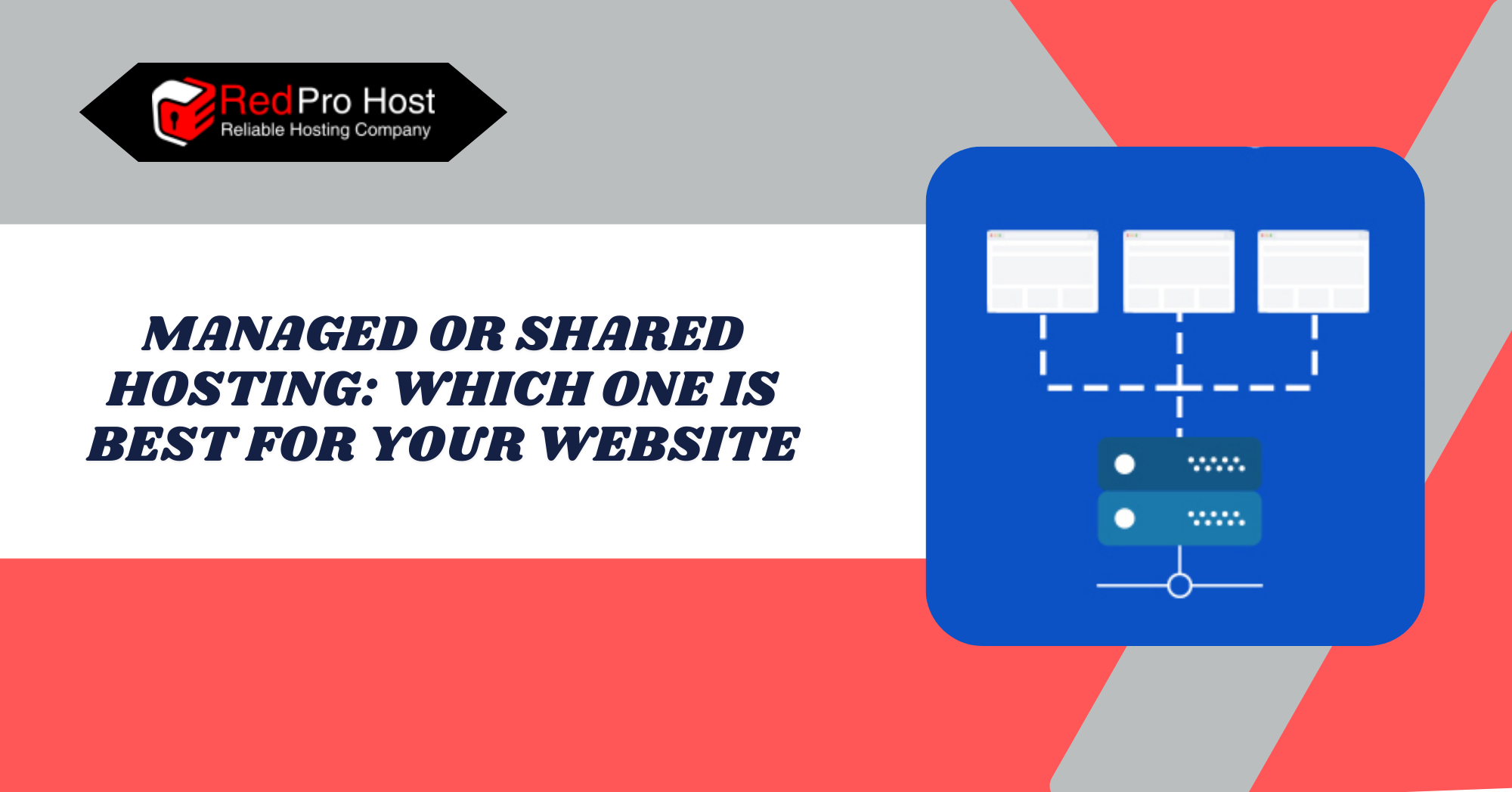
Managed or Shared Hosting: Which One is Best for Your Website?

Introduction: Understanding Hosting Options

Every website owner needs to select an appropriate web hosting plan: Managed or Shared Hosting. This is a vital business decision. The hosting type the site owner chooses affects website performance, strength, scalability, and security. There are many types of hosting options available. People can select shared hosting, which is best for beginners, or managed hosting, which is best for advanced users. These options satisfy diverse requirements and budget sizes.

Many websites start with shared Hosting, which means they use the same server and share its resources. This cost-effective service works well for small websites, basic blogs, and early-stage businesses.

Shared Hosting can slow down server performance. This happens because many websites use the same resources. When one site gets busy, it can limit resources for others. A weakness in one site on shared Hosting can let threats impact other sites on the same server.

Managed Hosting offers clients a hands-off experience. The hosting provider takes care of technical tasks, including maintenance updates, security management, backups, and server performance optimization. 

The managed hosting solution delivers excellent performance for businesses. It ensures constant uptime, quick speeds, and reliable support. eCommerce stores and busy websites benefit the most from this hosting type. The higher costs of managed hosting services do not put off users who value reliability. They appreciate the added value of better security and convenience.

Knowing the differences between managed and shared hosting can help users make the best choice. Users should pick a hosting type based on their budget, skills, and site goals by learning them through this article from our Blog.

What is Shared Hosting: Exploring the Basics

The affordable and well-known type of website hosting is shared Hosting. It’s like renting an apartment in a building where you share resources with other tenants. Your website shares space, bandwidth, and processing power with other sites on the same server so that you won’t have the whole server to yourself.

Hosting providers evenly split a server’s resources among various websites. Websites on the same server can slow down if one gets too much traffic or uses too many resources.

Shared Hosting is great for users starting their web journey, bloggers with small personal sites, and small businesses. Users find shared hosting easy to set up, requires little technical skill, and is cost-effective. However, sharing resources can limit performance, security, and customization.

Pros of Shared Hosting: Advantages Explained

The advantages of shared Hosting make it a popular choice for beginners:

  • Affordable: The most economical hosting solution is shared hosting services. Many websites utilizing a single server lead to reduced expenses through cost-sharing benefits.
  • Easy to Set Up: Most shared hosting plans come with website builder tools. You can install them easily with just a click. You don’t need technical skills to get started.
  • Maintenance-Free: The hosting provider takes care of server maintenance, security updates, and software installations, so users don’t have to worry about technical details.
  • Beginner-Friendly: New web hosts gain from shared hosting plans. These plans offer easy-to-use interfaces like cPanel and Plesk for managing websites.
  • Customer Support: Shared hosting providers offer 24/7 assistance, so help is always available.

Cons of Shared Hosting: Potential Drawbacks

Shared Hosting has quite a few disadvantages as well, which are discussed below:

  • Limited Resources: Server resources are shared among many websites. Your site gets only a portion of what’s available. Your site may slow down if another website on your server uses too much bandwidth.
  • Performance Issues: When traffic is high, shared hosting servers may struggle with performance and availability. An urgent site upgrade may be necessary when your site receives increasing visitor numbers.
  • Security Risks: Your site could be at risk if other sites on the server have security breaches. Although shared Hosting provides security, it remains less powerful than alternative hosting options.
  • Less Customization: Hosting providers limit your server management. This means you can’t change or install things on the system, which advanced users may find restrictive.

Power Your Success with RedPro Host Dedicated Servers! Join Now!

Unleash the Power of Dedicated Servers! Sign Up with RedPro Host for Ultimate Control!

What is Managed Hosting: A Comprehensive Overview

With managed Hosting, professional tech teams handle your website operations. Your hosting provider takes care of server maintenance, security, and updates, allowing you to focus on running your website instead of worrying about server tasks. 

Managed Hosting is the perfect choice for businesses, e-commerce stores, and websites that need high performance and security. The hosting option provides faster speeds and better reliability. It also includes professional support, which is an upgrade from basic shared Hosting. 

Higher costs for this service offer great convenience and total peace of mind, which attracts many website owners.

Managed Hosting stands out from regular shared Hosting. It offers dedicated or optimized resources for its users. Managed Hosting boosts website speed, ensures constant accessibility, and provides better security. This platform offers excellent website performance and a worry-free hosting solution for users who want the best.

Pros of Managed Hosting: Benefits Highlighted

It’s an excellent choice for businesses and busy websites. It’s perfect for anyone seeking a hassle-free hosting experience. The benefits provided by Managed hosting are as follows:

  • Easy Maintenance: The hosting provider takes care of server maintenance and security updates, so website owners don’t have to worry.
  • Improved Performance: Managed hosting platforms offer fast and dependable service to users. Managed services often provide caching solutions, CDN integration, and various features to boost website speed.
  • Enhanced Security: Your website is safer than shared Hosting due to secure firewalls, anti-malware defense, and automatic security updates.
  • Expert Support:  Knowledgeable teams support the technical and optimization needs. The support team is dedicated to helping with your hosting issues. They will also resolve any problems that come up.
  • Automatic Backups: Each managed hosting plan includes backup services, which run daily backups to protect your data from loss.
  • Scalability: With managed Hosting, you can easily upgrade your website’s resources. This means no downtime or tricky setups.

Cons of Managed Hosting: Limitations Discussed

Like anything, the managed hosting solution has its cons. The disadvantages of Managed hosting are as follows:

  • More Expensive: Managed hosting costs more than shared Hosting. So, it isn’t practical for small businesses or personal sites with tight budgets.
  • Less Control: With managed Hosting, you face some limits. Your provider handles all technical tasks. This can impact how you customize setups or install specific software.
  • Not Always Necessary for Small Sites: Simple blogs or low-traffic websites only need basic features. Shared Hosting often provides what they require. These sites might not need all the extras that come with managed Hosting.

Key Differences Between Managed and Shared Hosting

When choosing between managed and shared Hosting, the key factor is your website’s needs. Website hosting needs vary. Some people want basic and cheap options. Others need advanced performance and security features. Here’s the comparison of the two in key areas

Performance: Speed, Uptime, and Resource Allocation

In a shared hosting model, many websites use the same resources on one server. A traffic surge at one site will cause slowdowns on other sites. Shared Hosting can be unstable because many users share resources on one server. The platform manages smaller site operations effectively. However, it struggles when website traffic spikes.

Speed-related optimization enables managed hosting to outperform shared options. Your site gets dedicated or semi-dedicated resources, which shield it from activity on other websites. Caching and CDN integration improve performance. Together, they help manage plans to run quickly and reliably. The uptime performance improves because managed servers are actively monitored.

Your Hosting Company Is Key to Website Performance. Your site’s server quality directly affects how quickly pages load. It also determines website accessibility and handles visitors during busy times. Your website’s basic infrastructure determines how well other features function.

Security: Risk Levels and Protection Measures

Security issues increase with shared Hosting since multiple websites share the same server. The security breach of a single website on your server might spread adversely to your own site. Hosting providers’ security systems do not have the advanced features found in managed hosting defense protocols.

Managed Hosting offers stronger security. The provider team handles firewalls and malware detection, runs automatic system updates, and includes standard backup procedures. The package also includes extra DDoS protection. 

A managed hosting environment offers better security than shared Hosting. So, it’s a safer choice when you need extra protection.

Cost: Affordability vs. Premium Features

Shared Hosting provides a cost-effective solution among its main benefits. Plans can be as cheap as a few bucks a month, making it perfect for beginners, bloggers, and small businesses.

Managed Hosting is more expensive, but due to its high cost, it offers key benefits to customers. You pay for convenience, security, and performance. If you need a simple site, Extra expenses are not essential.

Maintenance & Support: Self-Managed vs. Expert Assistance

With shared Hosting, you’re mostly on your own when it comes to managing your website. Hosting providers will keep the server running, but you’ll need to handle updates, security, and troubleshooting. Support is available, but it’s usually basic.

Managed Hosting is entirely hands-off. The hosting team takes care of updates, server maintenance, and security. If anything goes wrong, expert support is available 24/7. This makes it an excellent choice for people who don’t want to deal with the technical side of things.

Scalability: Which is Better for Growth?

Shared Hosting works well for small sites, but if your traffic grows, you’ll eventually hit limits. You may need to upgrade to a better plan or switch to VPS or managed Hosting.

Managed Hosting is built for growth. As your site gets bigger, you can scale resources without downtime. Many managed providers offer flexible plans. You can upgrade as needed. This makes them a better long-term choice for growing businesses.

Related Article: Redpro Host’s Secret to Cybersecurity: Keep Your Website Safe

Which Hosting Type is Best for You: Making an Informed Decision

Choosing the right Hosting depends on your website’s type, budget, and how much time you want to spend managing it. Some people need something simple and cheap, while others need high performance and security. Let’s break down when each type makes the most sense.

Which Hosting Type is Best for You Making an Informed Decision

Best Use Cases for Shared Hosting

Shared Hosting is great for:

  • Personal blogs and portfolios:—If you’re starting a blog or showing your work, shared Hosting is cheap and straightforward.
  • Small business websites – Local businesses with low traffic can do just fine on a shared plan.
  • Simple websites and landing pages—If you need only a basic site with a few pages, there’s no need to pay for extra features.
  • Hobby projects & test sites – Perfect for experimenting before launching something more significant.

For a simple online presence with few daily visitors, go for shared Hosting. It keeps costs low and gets the job done.

Best Use Cases for Managed Hosting

Managed Hosting is ideal for:

  • eCommerce websites: Online stores need fast speeds, solid security, and reliable uptime. Managed Hosting delivers all of this.
  • High-traffic blogs & content sites: If your site gets much traffic, shared Hosting might make it slow. Managed plans ensure smoother performance.
  • Websites that need to be online: If your site brings in money, slow speeds or security problems aren’t acceptable.
  • Agencies and developers: Managed Hosting saves you time. It takes care of updates, backups, and optimizations.
  • People who don’t want to deal with tech stuff: If you’d rather focus on content or running your business instead of managing a server, managed Hosting is worth the extra cost.

Factors to Consider Before Making a Choice

Still unsure? Here are a few things to think about:

  • Budget: Shared hosting costs less. But if you care about performance and security, managed Hosting is a better choice.
  • Traffic Levels: If you expect many visitors, shared Hosting might struggle. Managed Hosting handles traffic spikes better.
  • Technical Knowledge: Comfortable managing a website yourself? Shared Hosting is OK. Want everything handled for you? Go with managed Hosting.
  • Security Needs: If your site handles sensitive data or payments, managed Hosting can boost your security.
  • Long-Term Growth: Managed Hosting lets you easily upgrade your website for growth.

Boost Your Website’s Performance with RedPro Host VPS! Sign Up Now!

Experience Flexibility and Power with RedPro Host VPS! Join Today!

Conclusion

Website hosting selection between managed or shared depends entirely on your website requirements. Shared Hosting is the easiest web hosting option. It offers excellent affordability for new web developers on a tight budget. This type of Hosting is perfect for personal sites or small business websites. The solution handles the tasks effectively yet stays within budget constraints.

Managed Hosting provides strong performance and solid security for web owners looking for an easy solution. It offers excellent solutions for businesses and websites with high traffic and caters to customers who want an easy hosting experience. The extra cost has clear benefits: It gives you professional help, updates your system, and speeds up site performance, all leading to smoother operations.

Think about your website’s future. Does the size of your business plan remain constant, or do you foresee future expansion? Do you want to handle tech issues yourself, or would you rather let the experts take care of them? A set of questions will guide your decision process. Your plan should help you meet your web goals and keep your site stable.

Want to get Shared or Managed Hosting at a cheap price and amazing reliability? Check out our website, RedPro Host.

FAQs (Frequently Asked Questions)

Is shared hosting good for a new website?

If you expect little traffic and need a simple website, shared Hosting is a good choice. It costs little and requires no complicated setup, making it perfect for new website owners. Once your site grows, you can always upgrade.

Can I switch from shared hosting to managed hosting later?

Absolutely. Most hosting providers make it easy to upgrade when you need better performance, security, or support. Just keep in mind that switching may require some downtime or migration steps.

Why is managed hosting more expensive than shared Hosting?

Managed Hosting comes with extra benefits—better security, faster speeds, and expert support. The hosting provider takes care of all the technical stuff, so you don’t have to, which is why it’s pricier.

Will my website be slow on shared Hosting?

It depends. If your site is small and doesn’t get many visitors, it should run fine. But if other sites on your shared server use too many resources, it might slow things down.

Do I need technical skills to use managed Hosting?

Nope! That’s one of the biggest perks. The hosting company handles updates, security, and performance for you, which is excellent for people who don’t want to deal with tech issues.

Is managed hosting worth it for small businesses?

It depends on the business. If you need a simple site with low traffic, shared Hosting is enough. For fast loading times and strong security, like an online store, choose managed Hosting. It’s a wise investment.

Can I host multiple websites on a shared hosting plan?

Most shared hosting providers allow multiple sites under one account. Remember, all your websites share the same resources. If one site gets too much traffic, it might impact the others.

How secure is shared Hosting?

It’s secure but not as strong as managed Hosting. Sharing a server with other sites comes with a small risk. A security problem on one site might affect yours. Good hosting providers have some protections. However, managed Hosting provides more substantial security features.

How do I know if it’s time to upgrade to managed Hosting?

If your website has performance issues, more users, or security threats, consider upgrading. Switching to managed Hosting will reduce server management issues, save you time, and reduce stress.

Latest Posts:

How to Use Google Keyword Planner for SEO: A Step-by-Step Guide

Introduction To Keyword Planner By Google

Google Keyword Planner is a great advertising tool. It also helps anyone wanting to improve their website’s SEO. The data comes directly from Google. This drives keyword suggestions, search volume estimates, and user search insights. So you get trustworthy information. 

Using Google Keyword Planner helps bloggers, business owners, and digital marketers create content that ranks higher in search results and attracts their target audience.

Although this tool was mainly designed for PPC campaigns, many SEO pros use it to find valuable keywords. These keywords have the right balance of search volume and competition. 

The tool shows trending content, seasonal search trends, and helpful long-tail search terms. This helps websites gain a competitive edge. A business that chooses the right keywords sees more website traffic. This also boosts user engagement and increases conversion rates.

The best part? The tool remains free to access through your Google Ads account. Understanding its features makes it a key asset for your SEO strategy. It all starts with a simple setup process which you will learn in this guide from our blog.

What is Google Keyword Planner?

Google provides a free Keyword Planner tool. This tool helps users choose the right keywords for content marketing, ad text, and SEO strategies. Although it is made for Google Ads advertisers, it can also help anyone who wants to understand how audiences search online.

Keyword discovery helps you find new terms, shows their search frequency, and helps you understand competitive metrics. This tool allows users to get key data from Google. They can use it to improve their blog posts, optimize their websites, and refine their advertising strategies.

Google’s search engine data pathway lets Keyword Planner gather information directly. It does not rely on outside estimates. Keyword Planner data helps you see search trends. It also shows market competition and potential visitors to your site. Accessing the tool requires only a Google Ads account.

Unleash the Power of Dedicated Servers! Sign Up with RedPro Host for Ultimate Control!

Power Your Success with RedPro Host Dedicated Servers! Join Now!

Setting Up Google Keyword Planner

Before you can start using Google Keyword Planner, you’ll need to access it through a Google Ads account. The good news is that setting it up is free and doesn’t require you to run any ads.

Step 1: Go to Google Ads

  • Open your browser and go to Google Ads.
  • Click on “Start now” or Sign in if you already have an account.

Step 2: Create a Google Ads Account

  • If you’re new to Google Ads, it will guide you through a setup process.
  • When asked to create a campaign, look for the option to “Switch to Expert Mode” (usually at the bottom).
  • Then, select “Create an account without a campaign” to skip the ad setup.
  • Confirm your business details (country, time zone, and currency), then click Submit.

Step 3: Access Keyword Planner

  • Once inside Google Ads, go to the top-right corner and click on the Tools and Settings icon (a wrench).
  • Under the “Planning” section, select Keyword Planner.

Exploring Google Keyword Planner’s Features

Google Keyword Planner has two main tools: Discover New Keywords and Get Search Volume and Forecasts. Both are great for SEO. They help you find new keyword ideas and understand search trends.

Discover New Keywords

This feature helps you Discover New Keyword Ideas from topics or competitor sites. There are two ways to go about it:

  • Start With Keywords – Simply enter several words or phrases that relate to your industry. Google will then show you a list of related search terms that people are searching for. If you type in “healthy meal prep,” you could find results like “easy meal prep ideas” or “best meal prep containers.”
  • Start With a Website – Instead of entering a keyword, you can drop in a website URL (yours or a competitor’s). Google will analyze the site’s content and suggest keywords based on what it finds. This is a great way to see which terms are driving traffic to similar sites in your niche.

Get Search Volume and Forecasts

If you have keywords ready, this tool helps you check their search performance and potential. 

  • On the Keyword Planner dashboard, select the “Get search volume and forecasts” option.
  • Enter the keywords or phrases you want to analyze, separated by commas or line breaks. You can also upload a spreadsheet file of keywords.
  • Click the “Get Started” button to proceed.
  • Click the “Forecast” link in the top bar.
  • The “Forecasts” tab displays key metrics for the next 30 days. You’ll see the total conversions, clicks, impressions, overall cost, click-through rate (CTR), and cost-per-click (CPC) you can expect.

Understanding keyword metrics: You’ll learn how often a keyword is searched each month, how competitive it is, and the estimated cost-per-click (CPC), which shows its commercial value.

Forecasting keyword performance – Google gives estimates on how a keyword might perform over time. This can help you decide if it’s worth targeting.

Spotting trends and seasonality – Some keywords see big spikes at certain times of the year (like “Black Friday deals” in November). Keeping an eye on these patterns helps you focus on keywords when they matter most.

Finding and Filtering the Best Keywords

Not all keywords are worth targeting, and that’s where filtering comes in. Google Keyword Planner gives you a ton of data, but to make the most of it, you need to narrow things down.

  • Refine your list with filters. You can sort keywords by search volume, competition, and user intent. If a keyword gets thousands of searches but has crazy competition, it might be tough to rank for. On the other hand, if it has low searches but is super specific, it could bring in highly targeted traffic.
  • Balance high and low competition keywords. Focusing only on high-competition keywords is tough. This is especially true if your site isn’t well-known. Using lower-competition terms can boost your traffic quickly. You can still aim for those more prominent keywords later.
  • Search for long-tail keywords. These are longer, specific phrases. They often have less competition and attract visitors who are ready to decide. For example, use “best running shoes for knee pain” instead of just “running shoes.” This targets a specific group of people.
  • Group-related keywords – Focus on clusters instead of one keyword per page. To make your healthy breakfast ideas more straightforward to find, include related search terms. Try phrases like “quick breakfast recipes” and “high-protein breakfasts.”

Choosing the best keywords for your content involves more than just popular search terms. Evaluating intent and competition levels shows how they fit into your content strategy. This helps in applying them correctly.

Implementing Keywords in Your SEO Strategy

Implementing Keywords in Your SEO Strategy

Finding the right keywords is the first step in content optimization. Your chosen keywords impact “search engine rankings” and attract your audience. It’s not just about cramming in keywords. It’s about using them naturally in the right places.

  • Optimize titles and headings – Your primary keyword should appear in the title and at least one heading (H1, H2, etc.). This helps both search engines and readers understand what your content is about.
  • Write naturally in the content – Keywords should fit smoothly within the text. If it sounds forced, rewrite it. Google’s smart enough to recognize awkward keyword stuffing, and it won’t do you any favors.
  • Use keywords in URLs – A short, keyword-rich URL is better than a long, complicated one. Instead of yourwebsite.com/p=1234, go for yourwebsite.com/best-running-shoes.
  • Use keywords in meta descriptions.– They don’t affect rankings directly, but they can boost click-through rates. A well-written, keyword-optimized meta can make people more likely to click your link.
  • Remember image optimization– Use keywords in image filenames and alt text. This helps search engines know what your images are about. As a result, it can improve your rankings in Google Images.
  • Linking internally is essential. Use keyword-rich anchor text to connect to other relevant pages on your site. It helps with navigation and gives Google a better understanding of your content.

Related Article: How to Build a Winning Content Strategy: A Step-by-Step Guide for Beginners

Common Mistakes to Avoid

Using keywords the right way can boost your rankings, but making the wrong moves can do more harm than good. Here are some mistakes that can hurt your SEO without you even realizing it.

  • Keyword stuffing – Forcing the same keyword into every sentence doesn’t work now. It makes content sound unnatural and can even get your page penalized. Instead, use variations and related terms to keep things smooth.
  • Ignoring search intent – Just because a keyword has a high search volume doesn’t mean it’s right for your content. If someone types “best running shoes,” they likely want suggestions, not a history of running shoes. Make sure your content actually answers what users are looking for.
  • Only targeting high-competition keywords – Going after prominent, popular keywords sound excellent, but if your site isn’t well-established, it’ll be tough to rank. Mixing in lower-competition, long-tail keywords can help you gain traction faster.
  • Forgetting about mobile optimization – A lot of mobile searches happen. If your site isn’t mobile-friendly, even the best keyword strategy won’t help much.
  • Skipping internal links – Internal linking helps search engines understand your site’s structure and keeps visitors engaged. If you’re not linking between related pages, you’re missing an easy SEO win.
  • Not updating old content – Search trends change, and so should your content. If you’ve got old posts ranking for outdated keywords, refresh them with newer, more relevant ones.

Other Keyword Research Tools to Try

Google Keyword Planner is great, but it’s not the only tool out there. If you want to improve your keyword research and gain a competitive edge, check out these tools.

Semrush

Semrush gives you a clear view of your competition’s ranking keywords. It also shows estimated site traffic stats. It’s excellent for finding keyword opportunities that traditional research might miss.

Ahrefs Keywords Explorer

Ahrefs delivers its users with detailed information. Users can check search volume stats and keyword difficulty ratings on this platform. They can also look at click-through rates. The tool estimates how many backlinks you need to rank for specific keywords.

WordStream Keyword Tool

If you’re looking for a simple way to find new keywords, WordStream is a solid choice. It gives real search volume numbers, not just broad ranges. This is helpful for targeting the right keywords for your industry and location.

Soovle

Soovle operates differently from other search tools. It pulls search results from various sources, such as Google, YouTube, Bing, and Amazon. The platform helps users find unique keyword ideas that target different search requests on multiple platforms.

Google Trends

It’s not a traditional keyword tool, but it’s still super helpful. Google Trends shows how search interest changes over time. This tool helps you find seasonal trends and related searches. It’s great for planning content around what’s trending in your niche.

Moz Keyword Difficulty Tool

If you want to know how tough it’ll be to rank for a keyword, this tool has you covered. It assigns a difficulty score to each keyword. This score reflects the strength of the top-ranking pages. So, it helps you find spotless competitive opportunities.

Experience Seamless WordPress Hosting with Redpro Host! Start Today!

Unlock Premium WordPress Hosting Solutions! Sign Up with RedPro Host!

Conclusion

Mastering Google Keyword Planner and other keyword tools can boost your SEO skills. If you run a blog, manage a business site, or want to increase your online presence, knowing search trends and choosing the right keywords is key.

The key is not just finding keywords but using them strategically. Focus on relevance, intent, and natural placement. Avoid outdated tactics like keyword stuffing, and always keep user experience in mind. SEO isn’t just about ranking—it’s about connecting with the right audience at the right time.

And remember, Google Keyword Planner is just one piece of the puzzle. Try using tools like Semrush, Ahrefs, or Google Trends. They can give you valuable insights. You might find opportunities that others overlook.

SEO changes all the time. So, stay flexible. Try new strategies and keep improving your approach. The more you practice, the better you’ll find and rank the keywords that matter to your audience.

Want to get amazing hosting services and SEO tools to grow your brand? look no further, Check out RedPro Host for amazing deals on all kinds of hosting services.

FAQs (Frequently Asked Questions)

Do I need to pay to use Google Keyword Planner?

Nope! Google Keyword Planner is free to use. You do need a Google Ads account to access it, but you don’t have to run any paid ads to use the tool.

Can I use Google Keyword Planner for SEO even though it’s made for ads?

Yes, absolutely. The tool helps advertisers and provides valid keyword data for SEO. Many marketers and bloggers use it to find the best keywords for their content.

How do I find the best keywords for my website?

Start by entering words related to your topic in the “Discover new keywords” tool. Look for terms with good search volume but not too much competition. Consider long-tail keywords. They might have fewer searches, but they often attract more targeted traffic.

How accurate is the search volume data in Keyword Planner?

Google Keyword Planner provides search volume ranges instead of exact numbers. This makes analysis tricky. To get more precise data, try combining it with tools like Ahrefs or Semrush. This can give you a clearer view.

How often should I update my keyword strategy?

SEO trends change over time, so it’s a good idea to check your keyword strategy every few months. Trends change, new competitors emerge, and Google updates its algorithm, so being flexible is crucial.

What’s the difference between short-tail and long-tail keywords?

Short-tail keywords are general terms, such as “shoes” or “fitness tips.” They attract many searches but face tough competition. Long-tail keywords are specific phrases, such as “best running shoes for flat feet.” They may have fewer searches, but they often result in higher conversion rates.

Does using keywords guarantee that my page will rank on Google?

No, keywords alone won’t get you to the top. Google considers several factors, including content quality, backlinks, user experience, and page speed. Using the right keywords is essential. But to rank well, you need a strong SEO strategy.

Latest Posts:

How to Choose the Best Domain Name for SEO and Branding in 2025

Introduction To Domain Registration Process

Domain names are key to online identity. They affect search engine rankings and shape how users see brands. Choosing the right domain helps businesses gain credibility. It can also improve click-through rates and boost market success.

Online search engines evaluate domain names using various key factors, including domain relevance, user engagement, and authority measures. Search engines now prioritize brand trust and content quality over exact-match domain names. This change comes after keywords used to be very important for SEO.

A domain name that is easy to remember will improve customer branding. Users are more likely to remember it and refer it to others.

Learning How to Choose the Best Domain Name means balancing SEO rules with branding needs and current industry trends. Making smart domain choices leads to lasting success, better visibility, and assertive online outreach.

Want to read more articles and guides like this? Visit RedPro Host Blog for more information on all kinds of hosting solutions.

What is the role of Domain names in SEO and Branding

A domain name is a unique web address. It helps users find specific websites. A digital identity is a key marketing tool that helps users while they browse online.

A domain name does more than serve as a URL. It helps boost search rankings and builds a strong brand image, which, in turn, improves user interaction. A strategic domain name boosts a business’s authority. It attracts the right audience and sets it apart from competitors.

Search engines judge domain names based on their content value, how they serve user needs, and the organization’s trust level. The ranking system now emphasizes website authority. It also considers the quality of content and backlinks. In the past, exact-match keywords in domains were a key ranking factor. 

A domain focused on a specific industry or brand can boost search rankings. The domain’s age, history, and specific extensions (.com, .net, .ai, etc.) also impact search engine rankings.

User trust and brand recognition depend heavily on the selection of a proper domain name. A short, easy-to-remember domain name increases direct traffic, reduces bounce rates, and encourages word-of-mouth marketing. 

Brands earn trust by using professional domain names that appear clean and credible. A domain name that is hard to spell, too long, or looks generic can struggle to build trust.

Using domain keywords can boost search engine visibility. However, over-optimizing with Exact-Match Domains might harm branding. It can make a site look spammy. A firm brand name can improve search rankings and make a lasting impression on audiences. Adding subtle keyword relevance helps, too.

Experience Seamless WordPress Hosting with Redpro Host! Start Today!

Unlock Premium WordPress Hosting Solutions! Sign Up with RedPro Host!

Key Factors to Consider When Choosing a Domain Name

Choosing the right domain name is key for SEO, branding, and user experience. A well-structured domain name improves search rankings, builds visitor trust, and boosts brand recognition. Creativity is essential, but following best practices is key to long-term success. Here’s what to keep in mind when selecting a domain name.

Keep It Short and Memorable

A short domain name remains simple for users to remember while they type it and share it with others. Keep domain names under 12-15 characters. This helps with straightforward learning and reduces mistakes. 

Long and complicated domain names can confuse visitors. They often lead to typos and make it harder to find the site. Customers do better when they face domains that avoid complex words, numbers, and unnecessary symbols. 

For example, BestShoesStore247.com is more complicated for users to remember than BestShoes.com. A clear domain helps users easily recognize the brand and makes site searches simple.

Use Relevant Keywords (Without Stuffing)

Researching Appropriate Keywords to include in domain names promotes search engine discoverability. However, injecting them un-naturally may label the site as spam. Use organic methods to add keywords to the domain name without losing the brand’s friendly feel.

For example, use RunBetter.com or FastFeet.com instead of BestCheapRunningShoes.com. These names highlight the brand’s focus and are easy to remember. To succeed with Google, pick creative domains that focus on branding. This is better than using exact-match keywords. Google cares about high-quality content.

Choose the Right Domain Extension (.com vs. Others)

The .com extension stands as the top domain standard because users trust it the most. If a .com is available, it’s usually the best choice. Different domain extensions can be great options. For tech and AI firms, consider .ai. Startups often go for .io. If you want to focus on branding, .co is a wise choice. 

There are also industry-specific TLDs like .design, .shop, and .tech. These can be effective alternatives to the standard .com. A successful extension is key when it connects directly to the brand persona and target customers.

Avoid Hyphens and Numbers

Domain names with hyphens and numbers are more complicated to remember and type. It also becomes difficult to share verbally. Users find it hard to remember domain names such as Top-Deals-4-You.com. They struggle with whether they have dashes, numbers, or both.

Branding options with slight name changes work well as substitutes for hyphens and numbers in domain names. For example, If GreatShoes.com is taken, try using ShopGreatShoes.com or GreatShoesOnline.com. Avoid names like Great-Shoes-123.com.

Prioritize Brandability Over Exact Match Domains (EMDs)

In the past, exact-match domains (EMDs), such as BestCarInsurance.com, did well in search results. However, Google has updated its ranking system. Now, it prioritizes branded domain names, favoring them over generic names stuffed with too many keywords. This is the basics of Content Marketing Strategy and brand formation and growth.

A brandable domain is unique, catchy, and easy to associate with a business. Names like Lush.com, Zappos.com, and Drift.com thrive without relying on keywords. They create strong brand identities. Enterprises need a brand name that is meaningful, memorable, and unique.

Technical and Legal Considerations

A great domain name isn’t just about creativity—it also needs to be legally sound and technically clean. Ignoring these details can cause problems later, like legal issues or SEO penalties. Here’s what to watch out for before locking in a domain.

Check Availability and Avoid Trademarks

Before falling in love with a domain name, make sure it’s available. Start by Searching Domain Registrars to see if someone else already owns it. If it’s taken, check whether it’s for sale or consider slight variations that still fit your brand.

Also, double-check for trademark issues. Just because a domain is available doesn’t mean it’s safe to use. A quick search in a trademark database (like the USPTO for U.S. businesses) can help avoid legal trouble. Choosing a name that someone else legally owns can cause expensive disputes. It might even make you need to rebrand later.

Make Sure the Domain Has a Clean History

Not all expired or available domains are good picks. Some may have a shady past, like being used for spam, scams, or low-quality content. Google can penalize domains with poor histories, making it harder to rank in search results.

To check a domain’s history, use tools like the Wayback Machine. It shows old versions of the site. You can also use the Google Transparency Report to find security issues. If the domain was previously flagged for spam or had unnatural backlinks, it’s usually best to avoid it.

Secure Social Media Handles for Consistency

A strong online brand isn’t just about the domain name—it needs to be consistent across platforms. Before finalizing a domain, check if the matching social media handles are available. Using the same name on your website, Instagram, Twitter, and other platforms helps people find and trust your brand.

If the exact handle is taken, make small changes. You can add “HQ” or “Official” at the end to keep it recognizable. The key is to stay as close to your domain name as possible so there’s no confusion.

Future-Proofing Your Domain Choice

A good domain name isn’t just about what works today—it needs to stand the test of time. The digital landscape changes fast, and what’s effective now might not be in a few years. Choosing a relevant domain is essential. Search engine algorithms are changing. 

Future-Proofing Your Domain Choice

AI is becoming more influential, and branding trends are shifting. Here’s how to think long-term when making your choice.

Trends Shaping Domain Strategies in 2025

Consumer behavior and technology drive how businesses approach domain names. In 2025, shorter, brandable names will be more valuable due to the rise of voice search and AI assistants. More startups and online businesses are using non-traditional extensions like .ai, .io, and .shop. They want creative ways to brand themselves.

Another trend is the growing emphasis on authenticity. People trust brands that feel personal and genuine. Domain names that sound too generic or heavily optimized for SEO may not do as well. Keeping things simple, clear, and unique is the way forward.

Related Article: How to Build a Winning Content Strategy

Voice Search and AI-Driven Domain Name Relevance

With more people using voice search, domain names need to be easy to say and understand. Complicated words, strange spellings, and extra numbers can confuse smart assistants, making it challenging for them to recognize and suggest a site. A domain like QuickFixPlumbing.com is more straightforward for AI to handle than KwikFixPlumb4U.com.

AI also influences how search engines determine relevance. Algorithms now look at how well a domain matches user intent and brand trust, not just exact keywords. A name should feel natural and show the brand’s identity. It shouldn’t depend on outdated SEO tricks.

Adapting to Potential Algorithm Changes and Branding Shifts

Search engines are constantly refining their algorithms. A domain name that works well today might lose its edge if ranking factors change. The safest bet is to focus on branding rather than trying to game the system. A firm, well-known name with good content will always do better over time.

It’s also wise to think about where the business is headed. Will the name still make sense if the brand expands? Choosing BestNYCCoffee.com might be limiting if the company opens in other cities later. Keeping things flexible prevents the need for a costly domain change down the road.

Tools and Resources to Find the Perfect Domain

Choosing the right domain name can be challenging. Luckily, many tools can help you brainstorm ideas, check if names are available, and ensure your choice matches your brand. Here are some of the best options in 2025:

Domain Name Generators

  • Nameboy – Type a keyword, and it will create domain name ideas with various extensions. It also suggests related keywords. You can buy domains directly through partner registrars.
  • Instant Domain Search – A tool that shows available domains in real-time as you type. It also categorizes results into extensions, generators, and premium domains up for sale.
  • Panabee – This tool takes two keywords and mixes up letters or swaps characters to generate unique domain ideas. You can also filter results based on specific criteria.
  • TRUiC – A great option if you’re looking for localized domains. Simply type a keyword and a location (city or state). It will display business name ideas with available domains.
  • Domainr – A simple, no-frills tool that suggests names across various TLDs. It also highlights premium domains available for purchase or bidding.
  • NameStation – You need to sign up, but it has excellent features. You can search using keywords and join community contests to suggest name ideas. You can also filter by industry and preferred extensions.
  • Domain Wheel – It is a user-friendly tool. It gives domain suggestions based on your keywords and selected extensions. If the results don’t quite work, it offers extra keyword suggestions.

Domain Availability Checkers

  • Name.com Domain Checker – A simple tool to quickly find available domains.
  • Namecheap Domain Search – checks if a domain is available. It also offers discounts and perks, like free email trials.
  • Instant Domain Search – This tool gives you domain ideas and shows availability right as you type, speeding up the process.

Unleash the Power of Dedicated Servers! Sign Up with RedPro Host for Ultimate Control!

Power Your Success with RedPro Host Dedicated Servers! Join Now!

Conclusion

Choosing the perfect domain name is more than just a small detail—it’s a decision that can impact your brand’s long-term success. A well-thought-out domain enhances visibility, builds trust, and creates a lasting impression on visitors. 

A domain name should strike the right balance between relevance, simplicity, and memorability. A short and catchy name is more straightforward to market and has a better chance of ranking well in search results, even without exact match keywords.

AI-driven search and voice assistants are changing how we discover online. So, it’s essential to adapt. A good domain name should adapt as your business grows. It must stay relevant in a constantly changing online world. 

It is essential to check legal and technical factors. Look at trademarks, domain history, and social media availability. This helps your brand stay strong on all platforms. The best domain name fits your business goals, connects with your audience, and stands out in a busy market. 

Use branding insights with SEO best practices. This helps you build a domain that drives traffic and boosts your authority and credibility. While trends will come and go, a well-chosen domain will continue to serve as a valuable asset for years to come.

Want to get amazing web hosting services? Go check our RedPro Host.

FAQs (Frequently Asked Questions)

How important is a .com domain in 2025?

A .com is still the most trusted and recognized domain extension. If it’s available, it’s usually the best option. Extensions like .ai, .io, and .co are now widespread. Startups and tech brands often choose them. As long as the extension makes sense for your industry and audience, it can still work well.

Should I use keywords in my domain name for SEO?

Keywords can help, but they aren’t as powerful as they used to be. Search engines now prioritize branding and content quality over exact-match keywords. Use a relevant keyword in your domain if it fits naturally. Just make sure it doesn’t sound awkward or spammy. But don’t force it—brand-ability matters more.

Is it bad to have hyphens or numbers in my domain?

Yes, in most cases. Hyphens and numbers make it harder for people to remember and type your domain correctly. They also look less professional. If your ideal domain is taken, consider a slight variation instead of adding dashes or digits.

How can I check if a domain has a bad history?

Before buying a domain, check its past. Use the Wayback Machine to check past usage. Google’s Transparency Report can also be used to find security issues. If the domain was previously used for spam or shady activities, it might be best to avoid it.

What if my preferred domain name is taken?

If the exact name you want is unavailable, try slight modifications. You can add a relevant word, use a different extension, or tweak the phrasing slightly. Avoid buying domains from resellers at high prices unless it’s really worth it for your brand.

Do I need to register my domain on social media too?

Yes, it’s a good idea. Using the same name on your website and social media helps people find and trust your brand. Before you choose your domain, make sure the same handle is free on Instagram, Twitter, and Facebook.

Can I change my domain name later if I don’t like it?

Technically, yes—but it’s not ideal. Switching a domain means you need to redirect links and update your branding. This change can cause a short-term drop in SEO rankings. That’s why it’s best to choose wisely from the start. If you do need to switch later, make sure to set up proper redirects to avoid losing traffic.

Latest Posts:

A Complete Guide: URL Parameters for SEO and How to Optimize Them

Introduction: The Importance of URL Parameters in SEO

URL parameters are found on every online platform. They influence how search engines and users interact with web pages. URL parameters come after a question mark in URLs. They show key-value pairs like ?category=shoes and ?utm_source=facebook. 

Implementing URL Parameters For SEO serves important tracking and filtering functions. If it is not managed, it can generate SEO problems.

If URL parameters aren’t handled well, they can cause duplicate content. This also wastes the crawl budget and lowers search engine rankings. Search engines struggle to know which page to index. They often miss the correct version, so search ranks drop. Complex URLs can confuse search intent and make sharing difficult.

The optimization goal is to balance functional URL parameters. This keeps search visibility high while ensuring great usability. The right strategies and techniques can boost your search engine rankings and improve your website’s functionality.

What Are URL Parameters: Understanding the Basics

URL parameters are additional elements added to the end of a URL, typically after a question mark (?). The features let websites track user actions, filter content, and change display layouts. This happens without altering the original program structure. 

Parameters show up as key-value pairs. They are divided by an equals sign (=). If there are multiple parameters, they connect with an ampersand (&). For example, a URL like https://example.com/products?category=shoes&color=black uses parameters to specify a product category and color.

URL parameters and query strings are often confused, but they have different roles. A query string is the part of a URL that has parameters. URL parameters are the individual key-value pairs found in that section. 

In the example https://example.com/shop?category=electronics&sort=price_asc, the query string is ?category=electronics&sort=price_asc, and the parameters are category=electronics and sort=price_asc. Understanding this distinction is useful when discussing URL structure and optimization.

URL parameters are key for many online tasks. However, if not managed properly, they can create SEO problems. Many URL parameters cause duplicate content. They also waste search engine crawlers’ budgets and make URLs harder to read. Optimizing these parameters maintains higher search results rankings and provides improved user navigation.

Unleash the Power of Dedicated Servers! Sign Up with RedPro Host for Ultimate Control!

Power Your Success with RedPro Host Dedicated Servers! Join Now!

Types of URL Parameters

URL parameters fall into two main categories: active parameters and passive parameters. Active URL parameters change webpage content, while passive parameters track functions but don’t change the page. 

Understanding these parameter types is essential for managing URLs. It helps improve user experience and boosts SEO. Managing active and passive URL parameters keeps URLs clean. This helps with SEO and improves user navigation.

Active Parameters (Affect Page Content): Defining Their Role

Active URL parameters let users change the content that visitors see on a web page. They are commonly used for filtering, sorting, pagination, and language selection. Search engines see pages with different active parameters as unique, which can cause duplicate content issues if not handled well. 

  • Filtering: https://example.com/shop?category=shoes&brand=nike
    • This URL includes parameters that filter the product list to show only Nike shoes.
  • Sorting: https://example.com/products?sort=price_asc
    • The sort=price_asc parameter arranges products by price. It shows them from lowest to highest.
  • Pagination: https://example.com/blog?page=2
    • The page=2 parameter loads the second page of blog articles instead of showing all posts on one page.
  • Language Selection: https://example.com/home?lang=fr
    • The lang=fr parameter changes the language of the webpage to French, tailoring the content for different audiences.

Passive Parameters (Do Not Affect Page Content): Identifying Their Function

Unlike active parameters, passive parameters do not affect user-viewed content on a webpage. These parameters monitor user activity and campaign performance and allow for personalization features. Search engines usually ignore them since they don’t affect content. However, if not managed well, they can clutter URLs and lead to indexing problems.

  • Tracking & Analytics:
    • https://example.com/blog-post?utm_source=twitter&utm_medium=social
    • UTM parameters help track how visitors arrive at a site. They assist marketers in analyzing traffic sources.
  • Ad Click Tracking: https://example.com/deal?ad_id=12345
    • The ad_id=12345 parameter shows advertisers which ad campaigns led to clicks and conversions.
  • Session IDs: https://example.com/profile?session_id=xyz789
    • Some websites use session parameters. These help keep users logged in or personalize their experience.
  • Affiliate Marketing: https://example.com/product?aff_id=partner123
    • The aff_id=partner123 parameter helps businesses link sales to affiliate partners. This way, commissions are tracked accurately.

Related Article: Mastering Keyword Research for SEO: A Detailed Guide

SEO Challenges with URL Parameters

URL parameters can be helpful, but they often create problems for SEO if not appropriately handled. When search engines find different versions of the same page, problems can arise. This can cause indexing issues. It also wastes the crawl budget and creates a confusing user experience. Here’s a look at some of the biggest SEO challenges caused by URL parameters.

Duplicate Content Issues: Managing Redundancy

One of the biggest problems with URL parameters is duplicate content. When a page has many URLs with different parameters, search engines see each one as a separate page. This can dilute rankings and make it harder for the correct page to appear in search results. For example:

  • https://example.com/shop?category=shoes
  • https://example.com/shop?category=shoes&sort=price_asc
  • https://example.com/shop?category=shoes&sort=price_desc

These URLs point to the same content, but search engines may index them separately. This can create confusion in rankings.

Crawl Budget Waste: Optimizing Crawl Efficiency

Search engines have a limited crawl budget for each website. This means they crawl only a set number of pages at a specific time. 

If a site has many parameterized URLs, search engines might waste time on unnecessary versions. This takes their focus away from the most critical pages, slowing down indexing for new or updated content and impacting rankings.

Diluted Ranking Signals: Ensuring Strong SEO Signals

When a page has many URLs due to parameters, backlinks, or social shares, its ranking signals are divided. When authority isn’t focused on one strong URL, it spreads across many versions. This scattering weakens the page’s overall SEO power, making competing in search results tougher. This is especially true for sites with cleaner URL structures.

Poor User Experience Due to Long and Unreadable URLs: Enhancing Usability

Long, parameter-heavy URLs can be difficult to read, share, and remember. They often look messy and untrustworthy, discouraging users from clicking on them. Compare these two URLs:

  • Clean URL: https://example.com/shoes/nike-air-max
  • Messy URL: 
  • https://example.com/shop?category=shoes&brand=nike&sort=price_asc&utm_source=facebook

The first URL is easy to use and straightforward, while the second one seems complex and messy. Clean URLs improve user trust and encourage engagement, which can indirectly boost SEO.

Keyword Cannibalization and Ranking Conflicts: Avoiding Competition Within

When search engines index multiple versions of the same page, keyword cannibalization can occur. This happens when multiple pages from one site compete for the same search terms. 

Multiple weaker pages can hurt overall visibility. It’s better to have one strong page ranking well. Multiple weaker pages can confuse search engines, as they may not know which page to rank, causing rankings to change.

Best Practices for URL Parameter Optimization

Messy URLs with too many parameters can hurt SEO. However, you can manage them well with the right approach. The aim is to keep URLs tidy, prevent duplicate content, and help search engines find the best pages. Here’s how to do it.

Avoid Unnecessary Parameters: Keeping URLs Clean

Not all parameters are needed. Some exist just for tracking or sorting and don’t add real value to SEO. Too many parameters in a URL make it confusing for search engines and users. Whenever possible, remove unnecessary parameters and use a cleaner URL structure.

Use Static URLs When Possible: Simplifying Structure

Static URLs, the ones without question marks and random numbers, are always better for SEO. They’re easier to read, share, and rank. Instead of:

  • ❌ https://example.com/products?category=shoes&brand=nike
  • ✅ https://example.com/shoes/nike

A short, keyword-rich URL looks better. It helps search engines quickly grasp the page’s topic.

Implement Canonical Tags to Prevent Duplicate Content

When many URLs point to the same or similar content, search engines can get confused about which one to rank. A canonical tag (rel= “canonical”) tells them which version is the main one. This helps consolidate ranking signals and prevents duplicate content issues.

For example, if both ?sort=price_asc and ?sort=price_desc load the same products in a different order, they should all point to the main category page with a canonical tag.

Restrict Crawlers from Indexing Unimportant Parameters

Some parameter-based URLs should not be indexed. This is true for URLs used for sorting, tracking, or session IDs. Block them in robots.txt or use a noindex tag. This helps search engines focus on important pages. Be careful—blocking URLs the wrong way can lead to indexing problems. So, test your changes before making them permanent.

Google Search Console Parameter Handling

Google Search Console (GSC) lets you manage how Googlebot deals with URL parameters. Setting parameters correctly lets Google know if content changes or just its display. 

This can prevent duplicate content problems and improve crawl efficiency. It’s a powerful tool, so use it carefully. This way, you won’t block essential pages by mistake.

Proper Internal Linking: Enhancing Site Navigation

Internal links help search engines understand a website’s structure. Links to complex URLs can create duplicate content and weaken ranking signals. When linking internally, always use the simplest, most SEO-friendly version of a URL.

Optimizing URL Parameters for SEO Step-By-Step Guide

Optimizing URL Parameters for SEO: Step-By-Step Guide

Managing URL parameters does more than tidy up links and goes along with the top SEO Trends. It helps search engines find the right pages and keeps the site easy to navigate. Ignoring them can lead to duplicate content, wasted crawl budget, and diluted rankings.

Integrating Parameters into Your SEO Strategy

Not all parameterized URLs should be indexed. Some add real value, while others make unnecessary changes to the same content. 

An innovative approach is to choose which parameterized pages to crawl and which to skip. This means creating indexing rules. Use canonical tags when needed. Also, make sure search engines focus on the most important pages.

For example, a parameter like ?category=shoes might be worth indexing if it leads to a valuable category page. A URL like ?sort=price_asc doesn’t provide unique content. So, it should be treated differently. You can either canonicalize it or block it from indexing.

Using Google Search Console to Analyze Parameter-Related Indexing Issues

Google Search Console (GSC) provides insights into how search engines handle URL parameters. Check the Index Coverage and URL Parameters settings. This shows if Google is indexing extra variations. If you see duplicate versions in search results, update your parameter settings. You might also need to adjust your canonical tags.

Checking Google Analytics for Traffic Behavior on Parameterized URLs

Google Analytics helps track how users interact with parameterized URLs. If much traffic is landing on URLs with tracking parameters (?utm_source=…), these don’t need to be indexed. Watching bounce rates and time on a page can reveal if some parameterized pages are helpful or if they are adding clutter to search results.

Conducting Site Audits Using SEO Tools

SEO tools like Screaming Frog, Ahrefs, and SEMrush can crawl a website and reveal parameter-based issues. These tools help identify duplicate pages, missing canonical tags, and wasted crawl budgets. Regular site audits help search engines find the right pages and prevent confusion from duplicate pages created by parameters.

Regularly Reviewing Robots.txt and Canonicalization Strategies

SEO is never a one-time fix. New parameters may be added over time, and search engines may also change how they index. Regularly reviewing the robots.txt file and canonical tags helps prevent indexing issues. Blocking unimportant parameters helps search engines crawl better, so they won’t miss important content.

URL Parameters and Analytics Tracking

URL parameters aren’t just for filtering and sorting pages. They play a significant role in tracking how users behave, especially in marketing campaigns. When used right, they show where traffic comes from and how users engage with a site. But if left unchecked, they can create SEO problems. Here’s how to use them wisely.

Using UTM Parameters for Campaign Tracking

UTM parameters are one of the most common ways to track marketing performance. They let you see exactly where your traffic is coming from—whether it’s an ad, email, or social media post. A typical URL with UTM parameters looks something like this:

example.com/blog-post?utm_source=facebook&utm_medium=social&utm_campaign=winter_sale

Each part of the UTM tag provides valuable insights:

  • utm_source=facebook → Tells you the traffic came from Facebook.
  • utm_medium=social → Identifies it as social media traffic.
  • utm_campaign=winter_sale → Links the visit to a specific marketing campaign.

Marketers can use UTM parameters to see which channels bring in the most conversions. Based on this data, they can change their strategies.

Preventing UTM Parameters from Affecting SEO

UTM parameters help with tracking, but they can hurt SEO. If search engines index these URLs as separate pages, it may create problems. This can lead to duplicate content issues and dilute ranking signals.

To prevent this, there are a few solutions:

  • Canonical Tags → Use a canonical tag to link to the main page version. This helps search engines ignore UTM variations.
  • robots.txt Rules → Block UTM parameters from crawling. But don’t block key pages.
  • Google Search Console Settings → Set parameters to show Google that the content remains the same.

Alternative Methods Like Event Tracking in Google Analytics

If UTM parameters aren’t ideal for a campaign, event tracking in Google Analytics can be a better option. Instead of adding extra parameters to URLs, event tracking logs user actions directly—like button clicks, video views, or downloads. This keeps URLs clean while still gathering valuable data.

For example, when a user clicks a CTA button in an email, it can trigger an event in Google Analytics without changing the URL. This avoids unnecessary indexed pages and makes tracking more efficient.

Experience Seamless WordPress Hosting with Redpro Host! Start Today!

Unlock Premium WordPress Hosting Solutions! Sign Up with RedPro Host!

Common Mistakes to Avoid

URL parameters are helpful, but they can quickly become a mess if not handled properly. Small mistakes can cause big SEO problems. They may lead to duplicate content, lost rankings, or pages vanishing from search results. Here are some of the most common mistakes and how to avoid them.

Overuse of Parameters When Static URLs Can Be Used

Not every URL needs a parameter. Some websites use too many parameters for sorting and filtering. A clean, static URL would work just as well. Instead of:

  • ❌ https://example.com/products?category=shoes&brand=nike
  • ✅ https://example.com/shoes/nike

Static URLs are easier to read, rank better in search engines, and improve user experience. When possible, structure URLs logically instead of stacking parameters.

Blocking Essential Pages in robots.txt

It’s key to stop search engines from crawling unnecessary parameterized URLs. However, errors in the robots.txt file can block important pages by mistake. If a key category or product page gets blocked, search engines won’t be able to index it, which can tank rankings. Always double-check robots.txt rules to make sure only unwanted pages are restricted.

Misconfiguring Canonical Tags

Canonical tags tell search engines which version of a page is the main one. But if they’re set up wrong, they can do more harm than good. Some common issues include:

  • Pointing all pages to the homepage instead of the correct version.
  • Using self-referential canonicals when not needed.
  • Forgetting to add canonical tags on pages with multiple URL versions.

A bad canonical tag can cause search engines to miss the correct page, leading to the wrong page being ranked instead.

Allowing Search Engines to Index UTM or Tracking URLs

UTM parameters are great for tracking where traffic comes from, but they don’t add value to SEO. If search engines start indexing URLs with tracking parameters, it creates unnecessary duplicates. Always ensure tracking URLs are blocked from indexing or combined with a canonical tag.

Waste Crawl Budget

Search engines have a limited amount of crawling resources for each site. If bots get stuck on endless parameterized URLs, they might miss essential pages, which will not be crawled as often as needed. Use Google Search Console to guide search engines on handling parameters. This helps prevent them from wasting time on unneeded pages.

Ignoring User Experience

Long, complicated URLs filled with parameters can be confusing and look untrustworthy. A URL like this:

  • ❌https://example.com/shop?category=shoes&sort=price_asc&utm_source=twitter&sessionid=xyz123

It is harder to share and remember than this:

  • ✅ https://example.com/shoes/best-deals

Short, clear URLs improve trust, click-through rates, and user experience.

Conclusion

Optimizing URL parameters goes beyond cleaning links. It helps search engines, and users find the right pages quickly and easily. Unchecked parameters can cause duplicate content, wasted crawl budget, and dilute ranking signals, all of which harm SEO.

A good approach keeps URLs clean and allows flexibility for tracking and filtering. Websites can maintain strong search visibility by using canonical tags. They should also block unnecessary parameters and use tools like Google Search Console to avoid the problems that come with misusing parameters.

At the same time, balancing SEO best practices with user experience is key. Clean, easy-to-read URLs not only rank better but also encourage clicks and engagement. Simple and functional URLs help both search engines and visitors, leading to higher rankings, more straightforward navigation, and a more effective website.

Want to get amazing deals and offers on all kinds of hosting services? Go Check out RedPro Host.

FAQs (Frequently Asked Questions)

Do URL parameters affect SEO?

Yeah, they definitely can. If not managed well, they can lead to duplicate content, wasted crawl budget, and hurt rankings. But if managed well—using canonical tags, robots.txt, and proper indexing rules—they won’t be a problem.

How do I stop search engines from indexing parameterized URLs?

There are a few ways to do this. You can block them with the robots.txt file. Set up canonical tags to point to the main page version. Also, configure parameter handling in Google Search Console. Just be careful not to block essential pages by accident.

What’s the difference between active and passive URL parameters?

Active parameters change the page content, like sorting or filtering products. So, search engines often see them as different pages. Passive ones, like UTM tags, don’t change the content and are primarily for tracking purposes.

Should I use static URLs instead of parameters?

If you can, yes. Static URLs are cleaner, easier to read, and better for SEO.

  • Instead of: https://example.com/products?category=shoes&brand=nike
  • Try:  https://example.com/shoes/nike

But if parameters are necessary, make sure they’re optimized properly.

Do UTM parameters hurt SEO?

Not directly, but they can cause duplicate content issues if search engines index them. To avoid problems, use canonical tags pointing to the main URL or block them from being crawled.

Can Google Analytics track URLs without parameters?

Yes! Instead of adding UTM parameters, you can use event tracking in Google Analytics. This way, you still get detailed tracking without creating messy URLs.

How do I check if URL parameters are causing SEO problems?

A good place to start is Google Search Console—look for duplicate pages or crawl issues. SEO tools like Ahrefs, Screaming Frog, and SEMrush can help find problematic parameters. If you see a lot of unnecessary URLs getting indexed, it might be time to clean things up.

Latest Posts:

Best WordPress Maintenance and Management Services for Website Owners

Introduction: The Importance of Maintaining Your WordPress Site

A well-maintained WordPress site isn’t just a nice-to-have—it’s essential. Websites need regular maintenance, just like any technology. This keeps them secure, fast, and working well. Ignoring updates or security steps can cause slow loading, broken features, or worse, hacking. These issues can threaten your effort and reputation.

Managing a website’s technical parts can be challenging. This is true for business owners and content creators who want to focus on their work instead. Workloads can build up fast. Updates, backups, bug fixes, and speed optimizations all add to the pressure.

This is where WordPress Maintenance Services and management Optimization step in. These services remove the hassle for you. They keep your site safe, running well, and your visitors happy. No matter if you run a small blog, an online store, or a growing business, a reliable partner can manage your website. This saves time, lowers stress, and safeguards your online presence.

Want to see more guides and tutorials like this? Check out our Blog.

What Is WordPress Maintenance: Understanding the Basics

WordPress maintenance keeps your website running smoothly and securely and helps avoid issues. It’s not just a one-time task; it’s an ongoing process. You need to monitor, update, and optimize your site to keep it performing well. Think of it like maintaining a car. If you don’t check the oil, replace worn-out parts, or keep everything clean, things start to break down.

At its core, WordPress maintenance includes a few essential tasks:

  • Updates: Plugins, themes, and the WordPress core need regular updates. This keeps them compatible and secure. Skipping these can leave your site vulnerable to bugs or hackers.
  • Security Checks: Scanning for malware is essential. Fix vulnerabilities and keep your site safe from attacks. This is a key part of maintenance. No one wants to wake up to a hacked website.
  • Performance Optimization: Over time, sites can get bloated with extra files and unoptimized features. Regular tweaks can keep load times fast and ensure a smooth user experience.
  • Backup Management: Backups are your safety net. A recent backup helps you restore your site fast, whether there’s a crash, a hack, or a mistake. This way, you won’t lose everything.

Why WordPress Maintenance is Essential: Ensuring Smooth Operation

A WordPress site isn’t something you can just set and forget. Without regular attention, things can quickly go downhill. Maintenance helps your website run well. It also prevents issues that could harm your business. Here’s why it matters:

  • Security and Vulnerability Management: Hackers are always looking for weak spots. Outdated plugins or themes can be an easy target. Regular maintenance keeps your site secure. It does this by patching vulnerabilities, running malware scans, and checking for suspicious activity. It’s like locking the doors to your online business.
  • Website Uptime and Performance: A slow or broken site can frustrate visitors, causing them to leave. Maintenance helps prevent downtime and keeps your site loading fast. This ensures your visitors have a smooth, enjoyable experience every time they visit.
  • Keeping Plugins, Themes, and WordPress Core Up to Date: Updates aren’t just about new features—they fix bugs and improve security, too. If you skip updates, you risk compatibility issues and security problems. Regular maintenance keeps everything up to date and working together seamlessly.
  • Regular Backups and Recovery Options: Mistakes happen, and so do unexpected crashes. A recent backup can save you from losing everything. It helps whether there’s a hack, a server issue, or just a human error. Regular backups are your safety net. They help you restore your site quickly if something goes wrong.
  • SEO Impact of a Well-Maintained Website: Search engines prefer websites that are quick, safe, and dependable. A poorly kept site can lower your rankings. In contrast, a well-kept site boosts your chances of being found online. Plus, a fast and functional site keeps visitors engaged, which is another win for SEO.

Experience the Best in WordPress Hosting! Sign Up Today!

Simplify Your WordPress Hosting! Join RedPro Host for Optimized Performance!

Why Choose Professional WordPress Maintenance Services

Managing a WordPress Hosted Website seems simple at first. But as your site grows, your responsibilities increase. Things can get complicated fast—especially when something goes wrong. That’s where professional maintenance services come in. They take care of all the technical stuff, so you don’t have to stress about it. Here’s why going with a professional service is worth it:

  • Enhanced Security: Cyber threats are real, and they’re not just a problem for big companies. A professional team protects your site. They run security scans, patch vulnerabilities, and watch for suspicious activity. They handle the stuff most of us don’t even know how to check for.
  • Improved Performance: Nobody likes a slow website. Professional services boost your site’s speed. They remove clutter and make sure it runs efficiently. A faster site keeps visitors happy and helps with search rankings, too.
  • Regular Updates and Backups: It’s important to keep plugins, themes, and WordPress updated. But it’s easy to forget or delay this task. Experts ensure everything is updated on time. They also manage backups, so you never risk losing your data.
  • Time Efficiency: Running a website takes time, and maintenance tasks can eat into your day. Outsourcing to experts lets you focus on what you do best. This could be running a business, creating content, or managing customers.

Key Features to Look for in a WordPress Maintenance Service

Not all WordPress maintenance services are created equal. Some offer essential support, while others go the extra mile to keep your site running like a dream. When choosing a service, it’s necessary to know what features genuinely matter. Here are the key ones to look out for:

  • 24/7 Website Monitoring: Problems don’t always happen during business hours. A service that watches your site 24/7 can spot problems early. It catches issues like downtime or security threats before they get worse.
  • Regular Updates for Themes, Plugins, and WordPress Core: Updating isn’t just about new features. It’s essential for security and compatibility. A good service provides regular updates. It does this safely so your site stays intact.
  • Malware Scanning and Removal: Cyber threats are real, and they can hit anyone. Look for a service that actively scans for malware and removes it quickly if it’s detected. This keeps your site and visitors safe.
  • Automated and Manual Backups: Backups are your safety net. The best services offer automated and manual backup options. This way, you can always restore your site if something goes wrong.
  • Speed Optimization and Performance Checks: A slow website can drive visitors away. Maintenance services that focus on speed optimization help keep your site fast and responsive. Regular performance checks can catch bottlenecks before they become a problem.
  • Detailed Reporting and Analytics: Transparency is essential. Find a service that gives clear reports on their activities. This includes updates, security scans, backups, and more. This helps you stay informed about your site’s health.
  • Customer Support and Response Time: When something goes wrong, you want help fast. Choose a service with reliable customer support and a quick response time. Knowing you can count on them in an emergency brings peace of mind.

Top WordPress Maintenance and Management Services

Choosing the exemplary WordPress maintenance service can be challenging. There are many options out there. Different services meet various needs. Some target small businesses, while others focus on agencies. There are also services for e-commerce sites that require special care. 

Top WordPress Maintenance and Management Services

Here’s a closer look at top WordPress maintenance and management services. Each has unique features that make it special.

WPBeginner Pro Services: Comprehensive Support

WPBeginner Pro Services builds on WPBeginner, a site famous for its detailed WordPress tutorials and resources. With the launch of WPBeginner Pro Services, they’ve taken their expertise to the next level, offering professional WordPress solutions at prices that won’t drain your wallet. 

This service helps users who want expert support for their WordPress sites without overspending.

WPBeginner Pro Services brings over 16 years of WordPress experience to the table. Their plans are budget-friendly. This makes them ideal for individuals and small businesses. They provide 24/7 support and intense security monitoring. This reliability gives you peace of mind.

This service is perfect for WordPress beginners or those who lack technical skills. It’s ideal for anyone wanting expert support and good results at an affordable price. Visit their website to learn more about their services or custom solutions.

Key Features 

Their offerings are complete and designed to meet most needs of a WordPress site owner:

  • WordPress Maintenance & Support: This covers key services such as cloud backups, uptime monitoring, regular updates, and security checks. These help keep your website safe and running smoothly.
  • On-Demand Development Hours: Got a sudden issue or a task you can’t handle? They provide development hours for urgent fixes, plugin installations, or theme tweaks.
  • Website Design & Development: Need a custom WordPress site? They offer design and development services. These services are tailored to fit your goals and branding.
  • SEO Optimization & Speed Improvement: Their team improves your site for search engines. They also boost speed and overall performance.
  • Hacked Website Repairs: If your site is hacked, they focus on fixing and securing WordPress sites.

WP Buffs: Expert Assistance

WP Buffs is a trusted name in WordPress care. They offer many services for serious website owners, including white-label solutions. This makes them a favorite for agencies and freelancers who manage client websites.  Their focus on reliability and performance makes them a top choice for businesses needing support.

WP Buffs is an excellent option for those needing dependable support. This is true, especially for e-commerce and complex websites. Their advanced features and strong performance make them worth a look. However, their prices may fit better for businesses with larger budgets.

The pricing can be high for small businesses or individuals. Advanced features, like malware removal, are only available with the pricier plans, making it hard for people on tight budgets to afford them.

Key Features

WP Buffs offers excellent features to keep your website secure and running well:

  • 24/7 Support: Their team is ready to help with website edits or urgent issues, day or night.
  • Speed Optimization: They enhance page loading times using tools like image compression and caching. This ensures a better experience for your visitors.
  • Ongoing Security: Their managed security services protect your site from threats. They offer malware scans, firewall setups, and real-time monitoring for vulnerabilities.
  • Weekly Updates: WP Buffs keeps your WordPress core, plugins, and themes updated each week. Updates are tested beforehand to prevent compatibility issues.
  • Website Backups: We offer daily backups with real-time off-site storage. This ensures a reliable way to keep your data safe.
  • Emergency Support: If your site crashes or gets hacked, their 24/7 support team jumps in to fix the problem fast.
  • White-Label Services: Great for agencies! You can run client websites using your brand name while WP Buffs takes care of the backend.

GoWP: Reliable Management

GoWP is a popular WordPress maintenance service. It specializes in white-label solutions for agencies and web developers. They help businesses manage client websites. Their services are designed to keep branding consistent. They offer many features, making them a popular choice for agencies. Agencies want to streamline operations without sacrificing quality.

GoWP’s white-label features are great for agencies. They can provide top-notch services to clients and handle the technical work through outsourcing. Their pricing is flexible, with options suitable for businesses of all sizes. This makes them particularly appealing for agencies managing multiple client sites. 

However, some limitations exist. Full 24/7 support is only available on premium plans, which might not fit every budget. Also, tasks that take longer might cost more. Plus, the absence of built-in speed optimization could be a drawback for some users.

GoWP is perfect for agencies that want to outsource website management. They can still keep control of client relationships and branding. Check out their official website to explore their plans and see how they fit your needs.

Key Features 

GoWP offers several standout features that cater specifically to agencies:

  • White-Label Services: Agencies can put their brand on GoWP’s services. This gives their clients a smooth experience.
  • WordPress Updates: This includes plugin updates. A Visual Validator helps avoid compatibility problems and keeps live sites running smoothly.
  • Security Monitoring & Malware Cleanup: Daily scans and malware removal keep websites safe from threats.
  • Automatic Backups: Keeps off-site backups for up to 90 days. This way, critical data is always safe.
  • Landing Page Building Services: Helps create professional landing pages. These are great for marketing campaigns or special projects.
  • 24/7 Support (Premium Plans): Premium plans offer support anytime. Quick fixes usually take less than 30 minutes.

WP Maintainer: Consistent Performance

WP Maintainer takes a simple, no-frills approach to WordPress site maintenance. It offers key features at a low cost, making it a great choice for small—to medium-sized websites with moderate traffic. 

One of WP Maintainer’s most significant advantages is its straightforward pricing. With no confusing tiers, it’s easy to know exactly what you’re getting. Their primary services include backups, updates, and security monitoring, which effectively meet most basic website maintenance needs.

WP Maintainer is a smart pick for anyone needing essential and affordable WordPress maintenance. It’s perfect if you don’t need advanced features or emergency phone support.

However, there are a few drawbacks. They only provide ticket-based support, which may not work well for urgent problems, like site crashes, where quick help is essential. They also don’t support multisite installations without special arrangements, which can limit users with more complex setups.

Key Features

WP Maintainer has excellent features to keep your site running well:

  • Security Monitoring: Sucuri is installed to protect against malware and other threats.
  • Scheduled Backups: Provides both on-server and off-site backup options to safeguard your data.
  • Manual Updates: Developers manually update WordPress core, themes, and plugins. This ensures compatibility and helps avoid potential issues.
  • Compatibility Support: If an update has problems, they provide up to one hour of help to fix it or to go back to the old version if needed.
  • Free Website Migration: They’ll transfer your site during setup at no extra cost if required.

Barrel Roll: Specialized Care

Barrel Roll provides all-in-one WordPress maintenance services, making website management more straightforward for users. They focus on affiliate WordPress sites and add extra value with their Google Ads expertise. This includes technical help and marketing support.

Barrel Roll provides personalized help for affiliate websites, making it a smart pick for anyone in affiliate marketing. Premium plans include free tools like WP Rocket, which adds even more value. Certified experts do their Google Ads optimization, a unique feature that makes them stand out from regular maintenance services.

Barrel Roll is an excellent choice for affiliate site owners. It offers specialized marketing help and dependable maintenance. Visit its official website to learn more about its plans and see how it can meet your needs. 

High setup fees may discourage some users from signing up immediately. This might be a drawback for smaller businesses or individuals with tighter budgets.

Key Features 

Barrel Roll’s services come with several standout features:

  • 24/7 Security Monitoring & Cleanup: Constantly checks your site for threats. It also fixes problems by cleaning affected files.
  • 404 and Uptime Monitoring: Monitors your site to avoid “Page Not Found” errors and keep it accessible.
  • Free Development Hours: Depending on your plan, you receive 1–3 hours of custom development monthly. This is great for minor tweaks or new features.
  • Performance Optimization: Increases your site’s loading speed. This helps user experience and boosts SEO rankings.
  • SEO Support: Premium plans include strategies to boost on-page and off-page SEO. This helps improve search visibility.

Codeable: Custom Solutions

Codeable is a trusted platform that connects users with highly skilled WordPress experts. It is different from regular subscription services. It centers on project-based work or flexible monthly retainers, making it an excellent choice for people with specific needs or complex tasks.

Codeable is an excellent option for businesses that have specific needs or complex projects. It’s not great for simple maintenance, but it excels when expert help is needed.

One of Codeable’s standout benefits is its flexibility. Clients can select from a pool of developers until they find the perfect fit for their project. The platform also guarantees high-quality work, ensuring reliable outcomes every time.

However, the service can be expensive for small businesses, especially those with tight budgets. Hourly rates and service fees might add up quickly for more extensive projects. Also, Codeable may not be the best choice for regular maintenance tasks unless you use the retainer option.

Key Features

Codable’s offerings are built to address a variety of WordPress-related challenges:

  • Project-Based Work: Pricing is based on the actual hours developers work. This gives flexibility for both one-time and ongoing tasks.
  • Vetted Experts: Each developer goes through a strict vetting process. This ensures that only the best professionals are available.
  • Comprehensive Services: They handle many tasks. These include database, speed, and security optimizations. They also resolve plugin conflicts, fix the White Screen of Death (WSOD), and manage theme or plugin updates. General server and website maintenance are also included.
  • Monthly Retainers: Clients can book preferred experts for ongoing tasks in advance. This provides reliable support without needing long-term commitments.

How to Choose the Right Service for Your Needs: Making an Informed Decision

Choosing the exemplary WordPress maintenance service can seem challenging, but it’s easier than you think. 

Start by evaluating your website’s complexity and traffic. A small personal blog needs less care than a busy e-commerce store or a membership site. Understanding your site’s demands will help you narrow down your options.

Budget is another crucial factor. Be realistic about how much you can spend, but also remember that quality services often come at a price. If you need advanced support, like custom development or extra security features, choose a higher-tier plan.

Take the time to check out customer reviews and testimonials. They can give you insight into how reliable and responsive a service really is. Word-of-mouth recommendations or advice from other website owners can also be helpful.

Lastly, think long-term. If your website is likely to grow, choose a service that can scale with your needs. A solution that works well today might not be enough a year or two down the line. Scalability ensures you won’t need to switch providers as your site evolves.

Related Article: The Complete WordPress Guide for Beginners

DIY vs. Professional Services: Weighing Your Options

Every WordPress website owner faces the task of keeping it running. However, your approach can differ significantly. Your decision to do it yourself or hire a pro depends on your resources, experience, and goals.

Managing Maintenance on Your Own: Pros and Cons

At first, Handling WordPress maintenance yourself might seem like a cheap choice. However, if you’re good with tech and have time, you can manage updates, backups, and basic security on your own. 

The most significant advantage is that you save money and stay in complete control of your website. However, it can quickly feel overwhelming, especially when juggling multiple tasks or running a business. Not keeping up with updates or ignoring vulnerabilities can put your site at risk, which could ultimately cost you more.

Professional Maintenance: Advantages and Considerations

On the other hand, outsourcing maintenance to professionals offers peace of mind. They offer skills and knowledge to keep your site running smoothly and safely. 

Professional services cost money, but they can save you many hours of troubleshooting. They can handle complex tasks. This includes removing malware, boosting performance, and assisting with SEO. These might be too challenging if you try to do them yourself.

Choosing Between DIY or Professional Maintenance: Finding the Best Fit

Cost is a deciding factor for many. DIY maintenance might seem free, but the time you invest and the potential risks of errors can add up. Professional services can be costly, but they provide value. They reduce downtime, improve performance, and allow you to grow your business.

If your site is small and straightforward, DIY works fine. If it is vital to your business, attracts lots of visitors, or you lack the time or skills, hire the experts. The balance between time, cost, and peace of mind is key when making this decision.

Power Your Success with RedPro Host Dedicated Servers! Join Now!

Unleash the Power of Dedicated Servers! Sign Up with RedPro Host for Ultimate Control!

Conclusion

A reliable, well-maintained WordPress website is key. It ensures smooth performance, boosts security, and provides an optimal user experience. Managing updates, backups, and security can be tricky. This is true whether you run a personal blog, an e-commerce store, or many client sites.

Professional WordPress maintenance services help website owners relax. They can focus on what matters most. These services provide expert help. They ensure your site is secure, fast, and ready for growth. They cover speed optimization and 24/7 monitoring.

Consider your needs, time, and budget when deciding between DIY maintenance and hiring a pro. A hands-on approach is acceptable for simple websites. But for complex setups or if you’re short on time, hiring professionals is a wise choice.

Your website represents your brand and your hard work. Choosing the proper maintenance solution & web hosting services helps ensure its longevity and success. Take the time to assess your options and make a choice that aligns with your goals and future growth. Check out RedPro Host WordPress Hosting Services and how we maintain the website with reliable updates, backups and security.

FAQs (Frequently Asked Questions)

Can I switch maintenance providers if I’m not satisfied?

Absolutely, you can. There’s no reason to stay locked in with a provider that’s not meeting your needs. Before switching, check your current agreement. Look for any terms or notice periods. Once that’s sorted, transitioning to a new provider is seamless.

Are maintenance services necessary for small websites?

Yes, they are. Small websites can have problems, too. They might deal with security risks, old plugins, or broken links. Regular maintenance keeps everything running well and helps you avoid more significant problems later. Think of it like an oil change for your car—it’s not optional if you want things to last.

What is included in most maintenance plans?

Most plans cover essentials like software updates, backups, security checks, and performance monitoring. Some might also include minor fixes or edits, depending on the provider. Always double-check what’s offered before you sign up. This way, you know what you’re getting.

How often should backups and updates be performed?

It depends on how active your site is. For most websites, weekly or biweekly updates and backups work fine. If you run an online store or a blog that updates often, daily backups could be best. Better safe than sorry, right?

What happens if I don’t maintain my site?

Over time, things can break—like links, plugins, or features. Security risks can also creep in, which could lead to hacks or data loss. Neglecting maintenance is like leaving your house unlocked. It might be fine for a while, but eventually, something’s bound to go wrong.

How long does it take to update a website?

It depends on what’s being updated. A quick plugin or software update might only take a few minutes. But more significant updates, like redesigns or fixing major issues, can take hours—or even days in some cases.

What if my site doesn’t have much traffic? Do I still need maintenance?

Even if traffic is low, maintenance matters. A small site can still face security risks or technical glitches. Plus, having a well-maintained site means you’re ready to scale when traffic picks up. Don’t wait for things to go wrong before taking action.

Latest Posts:

Top 10 Affiliate Marketing Niches for 2025: What’s Hot and Profitable

Introduction: Setting the Stage for Affiliate Marketing

The lucrative model of affiliate marketing depends on selecting the appropriate niche. Niche remains a top income generator despite changing trends. Customer interests and profit opportunities change every year, and market trends also keep shifting. 

Certain markets will grow fast in 2025, offering great opportunities for affiliate marketers to increase their profits. Finding specific market segments with growing demand is key. This applies to AI tools, sustainable products, and digital education. Strong affiliate programs can also help drive success. High commissions, recurring revenue, and evergreen appeal can make all the difference.

Affiliate marketers need to monitor market trends and look for products and services that will remain popular. Some niches may experience short-lived hype, while others steadily grow year after year. Profitable business opportunities often arise where innovation meets necessity. People look for solutions and are ready to invest in quality products or services.

Choosing the right strategy and Affiliate Marketing Niches helps marketers tap into growing markets, creating lasting income streams. Some niches may be familiar, but others are just starting to enter the market. Marketers with lasting potential can thrive beyond 2025. They should focus on niches that have high consumer demand and reliable affiliate programs.

For more information, visit our Blog.

What is Meant by Niche for Affiliate Marketing

A niche is a specific part of a market. It serves a particular audience with common interests, needs, or problems. In affiliate marketing, a niche is a particular topic or industry. Here, marketers promote products or services to a targeted audience.

For example, “Health and wellness” covers a broad market. Sub-niches like “keto diet,” “mental health apps,” and “home workout equipment” exist within this market. Choosing a niche lets marketers stand out and reach the right audience. This builds trust and helps generate steady income. Find a niche that has strong demand, low competition, and solid affiliate programs.

The best niche for affiliate marketing depends on a few key factors: profitability, demand, competition, and personal interest. A niche that offers high commissions and recurring revenue is a wise choice. Plus, if there’s strong consumer demand, it’s even better. In 2025, some of the most promising niches include AI and automation tools, personal finance, e-learning, and sustainable products.

The “best” niche isn’t only about the numbers. It’s also about choosing a market that matches your skills and interests. A niche that excites you will make it easier to create content for and build trust with your audience. Successful affiliate marketers solve problems, share valuable insights, and promote helpful products.

Maximize Your Website’s Potential with RedPro Host VPS Hosting! Join Today!

Experience Flexibility and Power with Redpro Host VPS! Sign Up Now!

The top 10 Affiliate Marketing Niches for 2025 are:

1. AI and Automation Tools: A Goldmine for Affiliate Marketers

AI is everywhere now. Automation tools, chatbots, and AI design apps are booming in this industry. Businesses, creators, and everyday consumers are all joining in. They want to save time and get things done quickly.

That’s where affiliate marketing comes in. Many AI-based SaaS (Software as a Service) companies offer high commissions. Some even provide recurring payouts. This makes it a very profitable niche. Most AI tools are subscription-based, which means you can earn passive income.

Why AI and Automation are Booming: Technological Advancements

  • Companies want to cut costs and boost productivity. AI tools help them do that.
  • Content creators and marketers rely on AI for writing, SEO, and design.
  • More people are using AI for daily tasks, such as budgeting, scheduling, and learning.

Sub-Niches to Explore: Areas of Opportunity

This isn’t just one niche—it’s a whole ecosystem of opportunities. Here are some hot sub-niches to tap into:

  • AI Writing & Content Tools – Think AI copywriters, blog generators, and ad-writing software. Businesses and bloggers love these.
  • AI Video & Image Editing – AI video editors, background removers, and design apps are booming.
  • Chatbots & Customer Support AI – Companies are using AI chatbots to handle customer service and sales.
  • AI SEO & Marketing Tools – Businesses are spending a lot on AI-driven marketing software. This includes everything from keyword research to automated email marketing.
  • AI Automation for Businesses – Tools that take care of invoices, HR, scheduling, and more are in great demand.
  • Voice & Speech AI – AI voiceovers, text-to-speech tools, and even AI-powered podcast editing.

Making Money in This Niche: Revenue Streams

AI software companies want affiliates. They often pay 20-40% commissions or more, especially for premium plans. Many tools use monthly subscriptions. This means you can create a steady income stream that recurs.

Some well-known programs to check out:

2. Health and Wellness: A Profitable and Evergreen Niche

People will always spend money on health. Whether it’s staying in shape, eating better, or managing stress, there’s always demand. That’s why the health and wellness niche has been a goldmine for affiliate marketers for years. And guess what? It’s not slowing down anytime soon.

But it’s not just about fitness and dieting anymore. People are getting into biohacking, longevity, and mental health like never before. They want to optimize their bodies and minds, not just “lose weight” or “get fit.”

Why This Niche is So Powerful: Ongoing Demand

  • Health products never go out of style—it’s an evergreen niche.
  • People are willing to spend a lot on their health.
  • Trends like biohacking and longevity are exploding.
  • Mental health is less taboo, and people actively look for solutions.

Hot Sub-Niches in 2025: Emerging Trends

There are a ton of ways to approach this niche, depending on your audience. Some of the best sub-niches include:

  • Biohacking & Longevity – Nootropics (brain boosters), red light therapy, cold plunges, and sleep optimization are on the rise.
  • Mental Health & Stress Management – Meditation apps, online therapy, adaptogenic herbs, and supplements for anxiety/depression.
  • Fitness & Recovery – Wearable tech (like Oura rings), muscle recovery tools, and home gym equipment.
  • Weight Loss & Nutrition – Keto, intermittent fasting, meal replacement shakes, and personalized meal plans.
  • Holistic & Alternative Health – Herbal remedies, essential oils, acupuncture, and Eastern medicine approaches.

Affiliate Marketing Potential: Earning Opportunities

The health industry is massive, and many companies are looking for affiliates. Supplements, fitness programs, wellness apps, and even medical tech offer high commissions. Some brands have ongoing affiliate programs. This means you earn money each month when someone keeps their subscription.

3. Personal Finance & Investing: A High-Value Niche 

Money matters and people are always looking for ways to save more, invest smarter, and build wealth. Personal finance and investing are among the top affiliate marketing niches, which is why they can be very profitable.

Fintech apps, robo-advisors, and cryptocurrency have made managing money simple. Now, it’s easier than ever. But most people still need guidance on what to use and how to start. Affiliates play a key role. They help people make smart choices and earn good commissions.

Why This Niche is Booming: Financial Awareness

  • More people want to invest but don’t know where to start.
  • Fintech apps are making finance more accessible than ever.
  • Recurring commissions! Many financial services charge monthly fees, meaning you get paid again and again.
  • Economic uncertainty is driving interest inside hustles and passive income.

Sub-Niches in 2025: Specific Areas of Interest

There are tons of angles to take in this niche. Some of the best sub-niches include:

  • Stock Trading & Investing – Robo-advisors, online brokerages, stock research tools.
  • Cryptocurrency & Blockchain – Crypto exchanges, NFT marketplaces, staking platforms.
  • Passive Income Strategies – Real estate crowdfunding, high-yield savings, dividend stocks.
  • Budgeting & Money Management – Personal finance apps, debt payoff tools, credit monitoring.
  • Side Hustles & Online Income – Gig economy apps, freelancing platforms, business coaching.

4. E-Learning & Online Courses: A Growing Goldmine for Affiliates

Education has gone digital. More people are choosing online courses and skill-based learning to boost their careers, start side hustles, or learn something new. E-learning is booming. It covers coding, graphic design, business, and personal development.

The best part? Many online course platforms provide high commissions. Some even offer recurring payments if students stay subscribed. Digital courses cost less to produce than physical products, which means companies can pay larger payouts to affiliates.

Why E-Learning is a Hot Niche: Rising Popularity

  • Traditional education is expensive—online courses offer a cheaper, flexible alternative.
  • More people are switching careers and need new skills.
  • Remote work has made digital skills more valuable than ever.
  • Many platforms offer subscription-based models, meaning recurring commissions.

Hot Sub-Niches in 2025: In-Demand Topics

This niche covers a wide range of topics. Some of the most profitable sub-niches include:

  • Tech & Coding Courses – Python, web development, AI, blockchain programming.
  • Business & Entrepreneurship – Digital marketing, e-commerce, freelancing.
  • Creative Skills – Graphic design, video editing, music production.
  • Personal Development – Productivity, mindset coaching, self-improvement.
  • Language Learning – Apps and courses for learning new languages.

Top Affiliate Programs to Consider: Leading Options

To promote great courses and earn good commissions, try these platforms:

  • Udemy – Massive course marketplace with frequent sales.
  • Coursera – University-backed courses and certifications.
  • Skillshare – A subscription-based platform with creative and business courses.
  • Teachable – Helps creators sell their own courses.
  • MasterClass – High-end courses taught by industry experts.

5. Sustainable & Eco-Friendly Products: A Profitable Niche with a Purpose

More people are making the shift to green living. They want products that are eco-friendly, sustainable, and ethically made. The demand for sustainable products is growing. This includes everything from solar gadgets to zero-waste essentials.

This makes it an excellent niche for affiliate marketers. Not only can you make money, but you’re also promoting brands that are good for the planet. And let’s be honest—people love supporting businesses that align with their values.

Why This Niche is Growing: Environmental Awareness

  • Consumers are more aware of their environmental impact.
  • Many governments are pushing for sustainability through policies and incentives.
  • Big brands are shifting toward eco-friendly practices, creating more affiliate opportunities.

Hot Sub-Niches in 2025: Green Innovations

There are a ton of angles you can take in this niche. Some of the best sub-niches include:

  • Zero-Waste Lifestyle – Reusable products, composting, eco-friendly home goods.
  • Solar & Renewable Energy – Solar chargers, panels, off-grid solutions.
  • Sustainable Fashion – Ethical clothing brands, second-hand marketplaces, vegan leather.
  • Electric & Alternative Transport – E-bikes, electric scooters, hybrid/electric cars.
  • Eco-Friendly Tech & Gadgets – Biodegradable phone cases, energy-efficient appliances.

Top Affiliate Programs to Check Out: Recommended Choices

Many companies in the sustainability space offer excellent commissions. Here are some programs worth looking into:

  • EarthHero
  • EcoRoots
  • Zero Waste Store
  • Life Without Plastic
  • Package Free Shop
  • Made Trade

Related Article: Build a Winning Content Strategy: A Step-by-Step Guide

6. Remote Work & Digital Nomad Lifestyle: A Niche That’s Here to Stay

Remote work isn’t just a pandemic trend—it’s the new normal. More companies now provide flexible work options, and many people are choosing to ditch the office altogether. Working from home or traveling as a digital nomad is becoming more popular.

For affiliate marketers, this is gold. Remote workers and nomads need the right tools, gear, and services to stay productive on the go. And with so many high-ticket products in this space, the earning potential is massive.

Why This Niche is Still Booming: Continued Relevance

  • More companies are embracing remote work as a permanent option.
  • The rise of freelancing & online businesses means more people need work-from-anywhere solutions.
  • Digital nomadism is growing, with countries offering remote work visas to attract workers.
  • People want better home office setups and tools to boost productivity.

Hot Sub-Niches in 2025: Remote Opportunities

This niche has tons of opportunities, depending on your audience. Some great sub-niches include:

  • Remote Work Tools & Productivity – VPNs, cloud storage, project management software.
  • Home Office Setup – Ergonomic chairs, standing desks, noise-canceling headphones.
  • Digital Nomad Gear – Lightweight laptops, travel-friendly tech, portable WiFi.
  • Freelancing & Online Income – Platforms for writers, designers, coders, and consultants.
  • Coworking & Travel Resources – Global coworking spaces, digital nomad retreats, travel insurance.
Top 10 Affiliate Marketing Niches for 2025

7. Technology & Gadgets: A Fast-Moving Niche with Huge Demand

Tech never slows down. Every year, there’s a new wave of gadgets people can’t wait to get their hands on. From smart home devices to wearables and VR/AR tech, consumers are always looking for the next big thing.

For affiliate marketers, this means endless opportunities. People really enjoy tech and are ready to spend a lot for convenience, entertainment, or productivity. And since tech keeps evolving, there are always new products to promote.

Why This Niche is So Profitable: Technological Advancements

  • High demand – Everyone wants the latest and greatest tech.
  • Constant innovation – New products = fresh affiliate opportunities.
  • High-ticket commissions – Gadgets aren’t cheap, which means bigger payouts.
  • Subscription-based services – Many tech brands offer recurring affiliate earnings.

Hot Sub-Niches in 2025: Future Trends

Tech is a huge niche, so it helps to narrow your focus. Here are some highly profitable sub-niches:

  • Smart Home Devices – Smart lights, security systems, voice assistants.
  • Wearable Tech – Smartwatches, fitness trackers, sleep monitors.
  • Virtual Reality (VR) & Augmented Reality (AR) – VR headsets, AR glasses, and gaming accessories.
  • Gaming & Streaming Gear – Mechanical keyboards, gaming chairs, streaming webcams.
  • AI-Powered Tech – AI-driven gadgets, personal assistants, automation tools.

8. Fashion & Beauty: A Timeless, High-Paying Niche

Fashion and beauty will never go out of style. People are always looking for new trends, must-have products, and expert advice on what to buy and how to use it. Whether it’s skincare, makeup, or the latest fashion pieces, there’s always an audience ready to shop.

This niche is a goldmine for affiliate marketers. Many fashion and beauty brands provide high commissions, especially for luxury items and subscription-based products. Social media and influencer marketing also make it easy to earn money from recommendations.

Why This Niche is So Profitable: Everlasting Appeal

  • Consistent demand – People always want to look good and feel confident.
  • Trendy & evergreen products – Some items are seasonal, while others (like skincare) sell year-round.
  • Advice-driven purchases – Buyers often look for guides, tutorials, and product reviews before purchasing.
  • High commission rates – Many brands pay well. This is especially true in luxury fashion and high-end beauty.

Hot Sub-Niches in 2025: New Directions

Fashion and beauty cover a lot of ground, so picking the proper focus can make a big difference. Here are some high-converting sub-niches:

  • Skincare & Anti-Aging – Serums, moisturizers, SPF, clean beauty brands.
  • Makeup & Beauty Tools – Foundations, eyeshadow palettes, makeup brushes.
  • Luxury & Designer Fashion – High-end brands, handbags, jewelry.
  • Sustainable & Ethical Fashion – Eco-friendly clothing, slow fashion, thrifted finds.
  • Men’s Grooming & Style – Beard care, skin care, streetwear, watches.

Read more in our article SEO Trends in 2025: What You Need to Stay Ahead of the Competition

9. Hobby Niches: Where Passion Meets Profit

Hobbies aren’t just pastimes—they’re lifestyles for many people. Whether it’s fishing, photography, gaming, or hiking, hobbyists take their interests seriously. And when someone is truly passionate about something, they don’t hesitate to spend money on it.

This makes hobby-related niches incredibly rewarding for affiliate marketers. People look for the best gear, courses, and experiences. They want to improve their skills or enjoy their hobbies more. And the best part? Many of these products are high-ticket items, meaning more significant commissions for you.

Why Hobby Niches Are So Profitable: Passion-Driven Markets

  • People care a lot about their hobbies. When someone loves a hobby, they want great gear, cool accessories, and the best training.
  • Hobbyists spend a lot on their interests. They often come back to buy more.
  • Recurring sales opportunities – Many hobbies need upgrades, replacements, or subscriptions. This creates chances for repeat sales.
  • High-ticket products – Cameras, golf clubs, drones, and musical instruments aren’t cheap!

Hot Sub-Niches in 2025: Creative Ventures

Hobby niches cover a massive range of interests. Here are some of the most profitable ones:

  • Photography & Videography – Cameras, lenses, lighting, editing software.
  • Golf & Outdoor Sports – Clubs, training gear, online coaching.
  • Gaming & Esports – Consoles, gaming PCs, streaming gear, gaming chairs.
  • Fishing & Hunting – Rods, reels, GPS fish finders, hunting apparel.
  • Music & Instruments – Guitars, keyboards, home recording equipment.
  • DIY & Crafts – Sewing machines, woodworking tools, craft subscription boxes.
  • Fitness & Extreme Sports – Mountain biking, rock climbing, home gym equipment.
  • Collectibles & Memorabilia – Sports cards, rare sneakers, vintage toys.

10. Pet Products & Services: A Billion-Dollar Opportunity

People love their pets like family. Just like with family, they spend a lot to keep their furry or feathery friends happy and healthy. From organic pet food to high-tech pet gadgets, the pet care industry is booming—and it’s only getting bigger.

For affiliate marketers, this is a golden niche. Many pet products offer subscriptions. This means you can earn commissions each month. Plus, pet owners are always on the lookout for the best food, training, and accessories.

Why This Niche is So Profitable: Pet Care Demand

  • Big market size – The pet industry is worth more than $100 billion worldwide and keeps growing.
  • Pet owners are loyal – Once they find a brand they trust, they stick with it (great for recurring sales).
  • Subscription-based products – Many brands offer pet food, toys, and supplements on a monthly plan, leading to a steady income.
  • Emotional buying decisions – Pet owners want the best for their furry friends. This makes high-ticket sales easier.

Hot Sub-Niches in 2025: Innovative Products

The pet industry is diverse, so there are plenty of profitable sub-niches to explore:

  • Organic & Premium Pet Food – Raw diets, grain-free food, subscription boxes.
  • Smart Pet Tech – GPS trackers, automatic feeders, pet cameras.
  • Pet Training & Behavior Courses – Online training programs, behavioral coaching.
  • Pet Health & Supplements – CBD for pets, joint supplements, and dental care.
  • Luxury & Designer Pet Accessories – Custom beds, designer collars, pet fashion.
  • Pet Travel & Safety – Airline-approved carriers, car seat harnesses, travel bowls.

Power Your Success with RedPro Host Dedicated Servers! Join Now!

Unleash the Power of Dedicated Servers! Sign Up with RedPro Host for Ultimate Control!

Conclusion

Affiliate marketing changes, but one thing stays the same: picking the right niche is crucial. The best opportunities focus on real consumer demand and drive long-term growth, not just trends. AI tools, sustainable products, and online education can be very profitable. They solve real problems and provide real value.

It’s not just about picking a niche, though. Success comes from knowing your audience. Build trust and promote products that genuinely help people. The right blend of high commissions, steady income, and a growing market can create a substantial income stream for years.

There’s no shortage of opportunities. Technology keeps advancing. New industries emerge, and people constantly seek solutions. Affiliate marketing is still one of the best ways to build a lasting online business. If you’re ready to work hard and stay ahead, it can be a great opportunity.

Want to get amazing deals on all kinds of hosting solutions? Check out our homepage, RedPro Host.

FAQs (Frequently Asked Questions)

What is affiliate marketing?

Affiliate marketing means you promote a product or service. You earn a commission for each sale made through your unique link. Basically, you recommend something, and if someone buys it because of you, you get paid. It’s a win-win for both the seller and the promoter.

How do I choose the right affiliate marketing niche?

Choose something with high demand, good commission rates, and low competition. Being personally interested in the topic makes it much easier to create content. The sweet spot is a mix of passion and profit potential.

Can I do affiliate marketing without a website?

Yeah, you can! Many people promote affiliate products through social media, email marketing, or YouTube. However, having a website or blog gives you more control and long-term growth potential. It’s not required, but it helps.

How long does it take to start making money?

It depends on your strategy and effort. Some people see results in a few months, others take a year or more. If you’re consistent with content and traffic-building, you’ll speed up the process. Just don’t expect overnight success—it’s a long game.

Do I need to buy the products I promote?

Not necessarily, but it helps. When you have first-hand experience, you can create genuine content. This helps build trust with your audience. If you can’t buy everything, at least do deep research, read reviews, and understand the product inside out.

Is affiliate marketing passive income?

Kind of, but not 100%. Once your content ranks and drives traffic, you can earn money while you sleep. However, keeping up with trends, updating links, and creating new content is still needed. It’s passive, but not “set it and forget it” passive.

What are the biggest mistakes beginners make?

Chasing high commissions can backfire. If you don’t check product quality, you may face issues. Choosing a crowded niche can also hurt your success. Plus, failing to build trust with your audience is a big mistake. Also, I expect instant results and give up too soon. Patience and strategy are key.

Can I do affiliate marketing as a side hustle?

Absolutely. Many people start on the side while working full-time. As long as you stay consistent and put in the effort, it can turn into a solid income stream over time.

Latest Posts:

The Future of Content Marketing: A 2025 Guide to Success

Introduction: Exploring the Future of Content Marketing

Content marketing isn’t what it used to be. Keyword-stuffed blog posts and generic social media updates are quickly becoming outdated. Audiences are more intelligent, expectations are higher, and competition is more challenging than ever. What worked a year ago might already feel outdated.

Technology is evolving at breakneck speed. AI tools produce articles in seconds. Video content is booming. And attention spans are shrinking by the minute. Brands that don’t adapt risk getting lost in the noise. The future is for those who create content that feels real. It should connect with people and shine in a busy digital world.

But it’s not just about trends. It’s about understanding why people engage with content in the first place. They don’t just want information—they want experiences. People want to be entertained, inspired, and understood; they crave stories that connect with them on a deeper level.

The Future of Content Marketing is about more than just keeping up. Stay ahead by trying new formats and building trust in a world full of information. Those who get it right will not just capture attention but create a lasting impact.

Want to read more guides and tutorials just like this? check our RedPro Host Blog.

What Is the Future of Content Marketing in 2025

Content marketing in 2025 is all about connection. It’s not just about making blogs, videos, or social media posts. It’s about creating experiences that feel personal, relevant, and accurate. Brands that win aren’t the ones shouting the loudest. They know their audience, speak their language, and deliver real value.

Some things never change. The core of content marketing is still the same: Know your audience. Solve their problems. Create something worth their time. That’s been true for years, and it still holds up today. But how we do it is what is evolving fast.

AI is playing a more significant role than ever. It helps brands create personalized content on a large scale, predicts what people want to see, and automates tedious tasks. But there’s a catch—people can tell when something feels robotic. The most successful brands will be the ones that use AI as a tool, not a replacement for creativity.

Visual content is also taking center stage. Short-form videos, interactive experiences, and dynamic visuals are dominating feeds. People want quick, engaging, and easy-to-digest content. Long blocks of text? They just don’t cut it anymore.

The future of content marketing isn’t just about keeping up with trends. It’s about creating content that feels human, even in a world driven by technology. Those who get that balance right will stand out.

Experience Seamless WordPress Hosting with Redpro Host! Start Today!

Unlock Premium WordPress Hosting Solutions! Sign Up with RedPro Host!

Content Marketing Trends to Watch in 2025

Content is moving fast. What worked last year might already feel outdated. Brands need to rethink their connections with people. This change is driven by new technology, shifting algorithms, and changing audience habits. It’s not just about keeping up—it’s about staying ahead. Here’s what you should focus on in 2025

AI-Driven Content Creation: Leveraging Artificial Intelligence

AI is changing the game. It’s not here to replace creativity—it’s here to make it easier, faster, and more efficient. Marketers used to spend hours researching, outlining, and drafting. Now, AI can handle a huge chunk of that work in seconds. This means spending less time on basics. Instead, you can focus more on strategy, creativity, and storytelling.

But let’s be honest. AI alone can’t create content that feels human. People can tell when something is overly polished, too generic, or just off. That’s why the best approach isn’t AI or human—it’s both. Think of AI as an assistant, not the writer. It can pull data, generate ideas, and structure content. But the heart of great content? That still comes from real people.

The best brands in 2025 won’t be the ones using AI to pump out endless content. They’ll be the ones using it smartly, speeding up the process while keeping their unique voice intact. AI handles the groundwork, while humans bring the soul. That’s the future.

The Evolution of Search: Adapting to New Algorithms

Google isn’t the only search engine anymore. People are looking for answers in places that barely counted as “search platforms” a few years ago. For product reviews, they check Amazon. Looking for a quick tutorial? Go straight to TikTok. Even AI chatbots are becoming go-to sources for instant info.

Search behavior is shifting, and brands that don’t adapt will get left behind. It’s not enough to rank on Google anymore. Content needs to be optimized for multiple platforms. This means going beyond traditional SEO. You should create short, engaging videos for TikTok. Write product descriptions that convert well on Amazon. Also, ensure AI-powered search tools pull the correct information from your brand.

Video search is also a massive deal. More people are skipping text-based results altogether and choosing video explainers instead. A strong SEO strategy in 2025 isn’t just about keywords—it’s about where and how people search. Brands that notice these changes and update their content will stay ahead.

Visual Content Dominance: The Power of Imagery

People don’t just read content anymore—they watch it, scroll through it, and experience it in seconds. Short-form videos, eye-catching images, and live streams are taking over. Fast, engaging visuals grab attention on TikTok, Instagram Reels, and YouTube Shorts.

Why? Because that’s how people consume content now. No one has time for long, text-heavy posts. They want quick, digestible stories that feel real. A 30-second product demo, a live Q&A, or a behind-the-scenes clip can engage viewers better than lengthy text.

Brands are catching on. Companies are investing more in video production and visual storytelling because they know the return is worth it. Social platforms are also prioritizing video, boosting content that keeps people watching. Brands that invest in high-quality visuals to make real connections will stand out in 2025.

Interactive & Immersive Content: Engaging Experiences

Content isn’t just something people consume anymore—it’s something they experience. The rise of AR, VR, and interactive content is making engagement more profound and personal. Audiences crave more than static posts and videos. They want to try on clothes virtually, explore products in 3D, and dive into immersive brand stories.

Gamification is also changing the way brands connect with people. Adding quizzes, challenges, or rewards keeps users engaged, making the experience more fun. It’s not just about grabbing attention—it’s about holding it. The more involved someone feels, the more likely they are to remember (and trust) a brand.

Then there’s shoppable content and live commerce. Social media isn’t just for scrolling anymore—it’s turning into a complete shopping experience. Live-streaming shopping events and clickable product tags make it easy to shop. You can go from finding a product to checking out in seconds. In-app purchases add to the smooth experience. Instead of just promoting products, brands are creating experiences that drive real action.

The future of content isn’t passive. It’s interactive, immersive, and built for engagement in a Content Strategy To Grow their Business. Brands that embrace this change will attract people and build loyal communities.

Personalization and User Experience: Tailoring Content

One-size-fits-all content doesn’t work anymore. People expect brands to get them—to understand their interests, preferences, and needs. That’s why personalization is becoming the backbone of content marketing. 

AI and data analytics are making it possible to serve up the right content to the right person at the right time. Content is becoming more tailored than ever. This includes product recommendations, personalized emails, and curated feeds.

But personalization isn’t just about suggesting products or tweaking headlines. It’s about creating an experience that feels seamless and natural. If a website is slow, cluttered, or hard to navigate, people won’t stick around—no matter how good the content is. 

Search engines are also factoring in user experience more than ever. A smooth and engaging site can rank higher. It does this by keeping users happy.

The brands that succeed in 2025 will create great content and ensure that it is easy, enjoyable, and relevant for everyone who engages with it.

Content Repurposing: Maximizing Value

Creating great content takes time. But too many brands make the mistake of posting something once and moving on. That’s a waste. Savvy marketers can share one piece of content on many platforms. They do this without making it feel the same each time.

Repurposing isn’t just about copy-pasting. It’s about adapting content in a way that fits each platform naturally. A long blog post can be turned into a Twitter thread, a LinkedIn post, or a quick video summary. A podcast episode can be broken into bite-sized clips for Instagram Reels or TikTok. A webinar can be turned into several short videos, some quote graphics, and an email newsletter.

The key is to think ahead. When creating content, it helps to plan how it can be repurposed from the start. That way, every piece works harder, reaches more people, and stays relevant longer. Brands can gain more value from their existing ideas. This way, they don’t have to chase new ones, and they can keep quality high.

Sustainability & Ethical Storytelling: Responsible Marketing

People care about more than just products—they care about what brands stand for. More than ever, consumers are choosing businesses that align with their values. Purpose-driven marketing isn’t just a trend; it’s becoming a necessity. Brands that ignore sustainability and ethics may lose trust, but those that embrace these values can create stronger connections.

But here’s the thing: authenticity matters. People can spot fake “greenwashing” from a mile away. It’s not enough to slap “eco-friendly” on a label or post about social causes without real action behind it. Brands must be open. They should share their actions, own up to their weaknesses, and show they genuinely care.

Aligning with global sustainability goals doesn’t require an overnight change for a company. Small, meaningful steps can make a difference. Reduce waste, source responsibly, and support ethical labor. When brands share their stories honestly, they attract customers and earn loyalty.

Building a Content Strategy for 2025

Building a Content Strategy for 2025

Content marketing isn’t just about posting whenever inspiration strikes. A solid strategy keeps everything focused, consistent, and aligned with business goals. But in 2025, it’s not enough to plan ahead—you also have to stay flexible. Trends shift fast, algorithms change, and what works today might not work tomorrow. The best strategies balance structure with adaptability.

Creating a Long-Term Content Plan: Planning Ahead

The most innovative way to build a content plan is to start at the end—what’s the goal? More leads? Brand awareness? Community engagement? Once the bigger objectives are clear, content can be shaped to support them. Each blog post, video, or social media update should have a clear purpose—they shouldn’t just fill up a calendar.

A flexible content calendar is key. Locking in themes and main topics keeps things organized. However, there should also be space for real-time content. When a trend appears, or customer questions change, the strategy must adapt smoothly. It should not feel chaotic.

Content pillars also play a significant role. Pillars help brands focus on key topics that matter to their audience, which is better than creating random one-off pieces. Consider them the base-rich, thorough content on essential themes that can grow and be reused over time. This not only improves SEO but also keeps messaging consistent across all platforms.

A strong content strategy in 2025 isn’t about doing more. It’s about doing it better—with clear goals, thoughtful planning, and the flexibility to evolve.

Related Article: Proven Techniques to Dominate Search Engine Rankings

Multi-Channel Content Distribution: Reaching Wider Audiences

Creating great content is just the first step. If it doesn’t reach the right people, it doesn’t matter. That’s why distribution is just as important as creation. In 2025, brands won’t stick to one platform. They will share content across many channels to reach audiences where they are.

It’s all about integration. A blog post doesn’t just sit on a website. It gets shared in emails, split into LinkedIn posts, and turned into Twitter threads. It can also become a short video for Instagram or TikTok. The best content strategies don’t treat platforms separately; they connect them.

Email, social media, and online communities all play a role. Email is still one of the most direct ways to reach people. Social media builds awareness and engagement. Private communities—on Discord, Slack, or niche forums—foster deeper relationships. To succeed, know how each channel works. Then, adapt your content for each audience.

Not everyone consumes content the same way. Some prefer short, snappy posts, while others want in-depth analysis. Brands that customize their messages and keep them consistent across channels will stand out. It’s not about being everywhere—it’s about being where it matters most.

SEO Optimization Beyond Basics: Advanced Techniques

SEO isn’t just about keywords anymore. Search engines are more intelligent now. Ranking high is not just about adding the correct phrases to articles. In 2025, the focus is on user intent, content quality, and page experience. If a page doesn’t meet what users need or loads slowly, it won’t do well. This is true even if it has many keywords.

Building expertise, authoritativeness, and trustworthiness (E-A-T) are more critical than ever. Google favors content that feels credible, deep, and genuinely helpful. That means surface-level articles won’t cut it. Brands should create well-researched and detailed content created by experts in the field.

Semantic SEO is also changing the game. Search engines now focus on the big picture. They examine how topics connect and the context around them. Content clusters, schema markup, and detailed articles help search engines understand a site. This can lead to higher rankings.

Of course, technical SEO still matters. Mobile-first design, quick loading times, and a tidy site structure are essential now. They are not just extras anymore—they’re deal-breakers. A site that isn’t optimized for mobile or takes forever to load won’t just frustrate users—it’ll drop in rankings fast.

SEO Trends in 2025 isn’t about chasing algorithms. It’s about creating valuable, easy-to-find content that’s built to last.

Paid vs. Organic Content Strategies: Balancing Approaches

Brands can’t rely on just one approach anymore. Organic content builds trust and creates lasting relationships. Paid ads, on the other hand, offer quick reach and targeted visibility. The trick is knowing how to balance the two. There is too much focus on organic, and growth can be slow. Rely too heavily on paid ads, and costs can spiral without lasting results.

Performance marketing in 2025 will be more innovative, not just more prominent. Brands are moving away from spending money on ads and hoping for sales and are now using data-driven methods to improve their strategies. Retargeting, AI-driven audience segmentation, and super-personalized ads are boosting paid campaigns’ effectiveness like never before.

But budget efficiency is key. Not every dollar needs to go to ads. A good paid campaign can boost strong organic content and help show it to the right audience. Brands that use both strategies—organic reach and paid support—will see the best results. This approach saves money and effectively boosts key content.

Measuring Results: Analyzing Performance

Content marketing isn’t a quick win. It’s a long-term game. Unlike paid ads that can bring instant clicks, content takes time to build momentum. But when done right, the impact lasts much longer. Consistent brands get real rewards. They make higher trust, stronger relationships, and a steady stream of engaged customers.

Early signs of success aren’t always direct sales. Look for better leads, aim for more brand awareness, increase website traffic, and focus on making customers happier. If people are engaging with content, asking questions, and spending more time on a site, that’s a win. It means they see value in what’s being shared.

Tracking performance is key. Not all content will hit the mark, and that’s okay. The goal is to find out what works. This could be a blog post that ranks high, a video that gets shared, or an email campaign that drives action. Brands can boost their strategy and get better results by focusing on top content. They should invest more in what works best.

Boost Your Website’s Performance with RedPro Host VPS! Sign Up Now!

Experience Flexibility and Power with RedPro Host VPS! Join Today!

Conclusion

Success in content marketing isn’t just about following trends. It’s about knowing what really connects with people. Brands that make valuable, engaging, and human content will always stand out, no matter how technology changes.

The future belongs to those who stay adaptable. Content strategies will need to shift as platforms, algorithms, and audience behaviors change. What works today may not work tomorrow. Brands that listen, experiment, and refine their approach will stay ahead.

At the core of it all is Authenticity. Brands that succeed will feel real. This includes those using AI-driven content, short-form videos, interactive experiences, and ethical storytelling. People crave connection, and content that delivers it will always win.

Get amazing offers and deals on Web Hosting Services, Visit our website, RedPro Host.

FAQs (Frequently Asked Questions)

How is content marketing changing in 2025?

Content is becoming more personalized, more visual, and way more interactive. AI is helping brands create faster, but people still crave authenticity. Today, people notice short videos, engaging experiences, and storytelling that offer value.

Is AI taking over content creation?

Not exactly. AI is excellent for brainstorming ideas, helping automate repetitive tasks, and speeding up content creation. But it can’t replace human creativity, emotion, or storytelling. The best brands use AI as a tool, not a shortcut.

Do blogs still matter, or is video the future?

Blogs and Videos Both matter—it just depends on how your audience likes to consume content. Blogs are great for SEO and detailed topics. Videos, on the other hand, excel at engagement and delivering quick information. Innovative brands repurpose content across multiple formats to reach more people.

How do you balance paid and organic content strategies?

Organic builds trust over time, while paid content gives quick visibility. The trick is knowing when to use each. A good strategy combines both paid ads and organic content. Use paid ads to boost your best organic posts. This approach helps grow your brand over time.

What’s the biggest mistake brands make in content marketing?

Focusing too much on selling instead of providing value. People don’t want to be bombarded with ads disguised as content. They want helpful, engaging, and entertaining stuff. Brands that prioritize real connections over complex sales always win in the long run.

How important is SEO in 2025

Still huge, but it’s not just about keywords anymore. Search engines are getting smarter. They now consider content quality, user experience, and relevance on different platforms. Ranking high now means creating valuable content people actually want to engage with.

What’s the best way to measure content marketing success?

It’s not just about views or clicks. Check engagement and brand awareness and track the quality leads or sales generated by your content. The impact may not be immediate. However, brands that stay consistent often see long-term results.

Latest Posts:

90%OFF

Special Sale

[sales_countdown_timer id="1569257159275"]
Buy Now